Problem-Led vs. Feature-Led Demo Openings
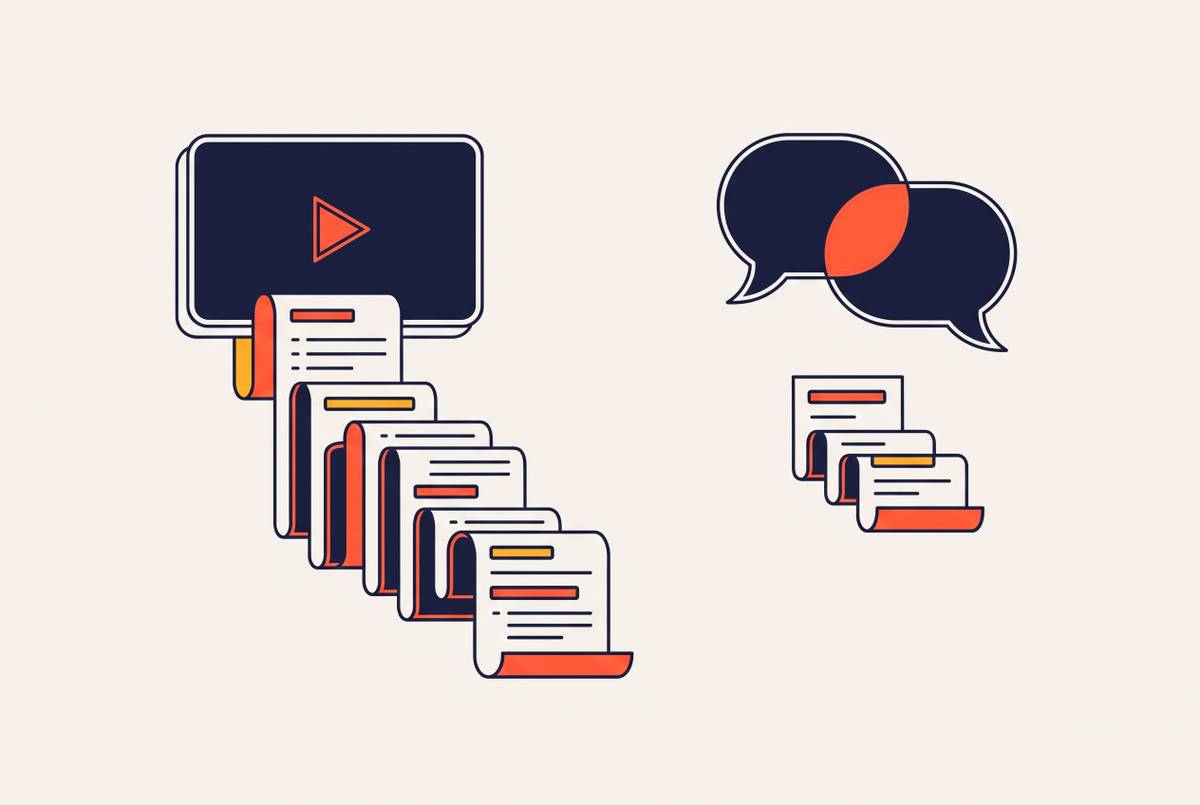
Problem-led openings hook skeptical viewers, while feature-led ones serve buyers already convinced.
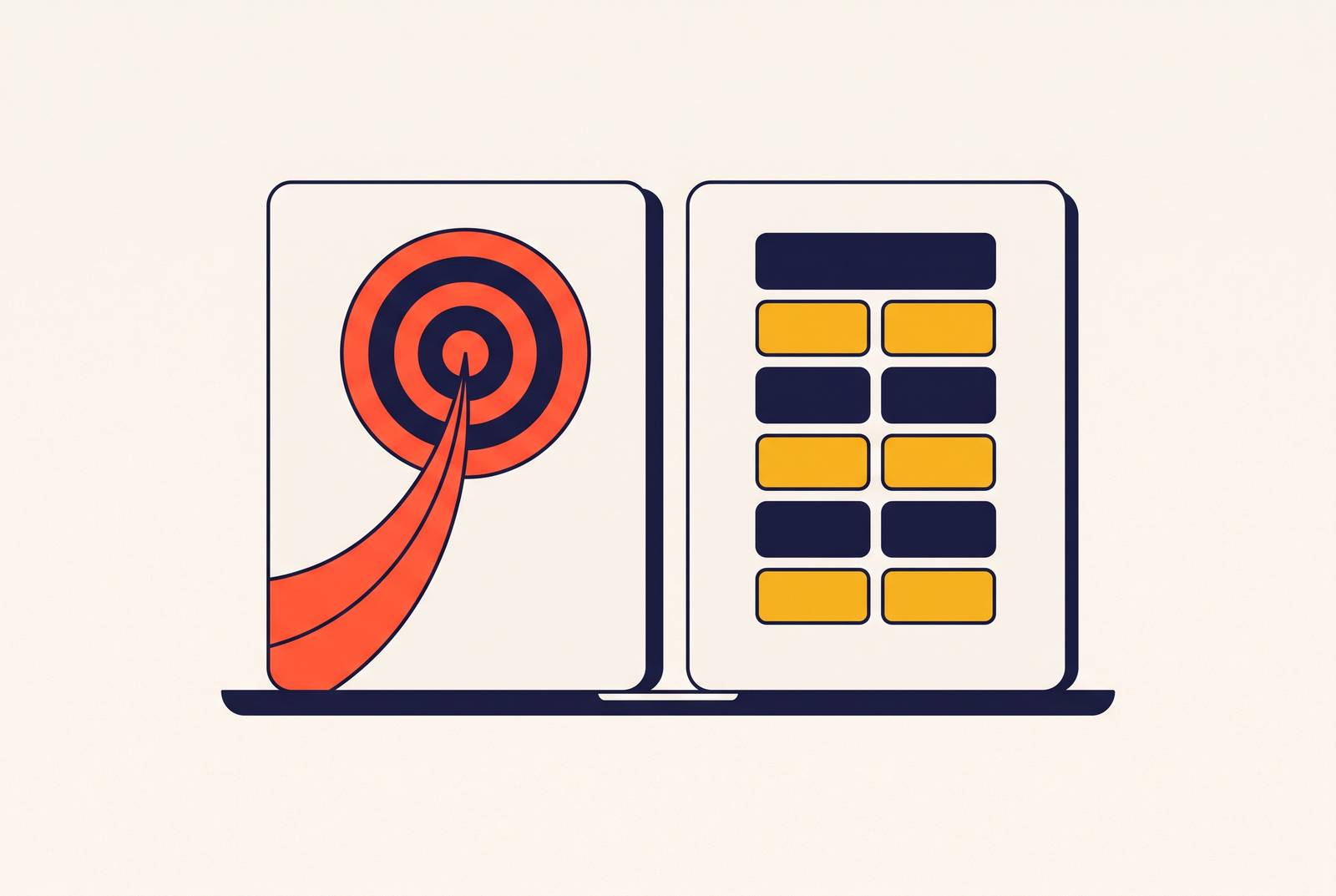
A demo opening has one job before it explains the product. It must show why the viewer should care. Problem-led openings do that work for buyers who still need a reason to watch. Feature-led openings work for viewers who already have one. The first thirty seconds should reflect what the viewer knows.
Why the first thirty seconds of a demo video force a structural choice
A demo clicks when the viewer recognizes something they need to fix and sees how the product might help. Without that connection, even a clear walkthrough can feel like visiting someone else’s office. There are menus, dashboards, and apparently some very exciting settings. The viewer can follow the clicks without understanding the point.
That difference begins with the structure of the opening. A problem-led demo starts with a difficulty the viewer recognizes, while a feature-led demo starts with product information whose relevance they must infer. The choice decides who assembles the case for watching.
The choice comes early because attention is already slipping. Strong content later cannot recover someone who has left. Yet makers often start with features because product architecture gives them a ready-made path through the recording. Following the menus requires less translation than following the buyer’s thinking.
What a feature-led opening actually does to a viewer
A feature-led opening asks viewers to do several jobs before giving them a reason to volunteer. They must remember each feature, work out which use case it serves, and connect that use case to their own needs. The product supplies the parts, but the viewer supplies the assembly. Some assembly required is a poor promise for a busy buyer.
The familiar sequence begins with the product name and founding story, then moves through the dashboard, menus, integrations, and settings. Each element may be explained clearly. Yet clarity about what a control does is not the same as clarity about why someone needs it. A viewer can understand the entire tour and still leave without an argument for buying.
This is the weakness of opening with company history and a platform overview. The video describes what the maker has built rather than showing a solution to something the buyer feels. Features are not the problem here. Asking features to establish relevance without first giving them a use case to answer weakens the opening.
Async video makes it harder to help viewers with that work. A live rep can notice confusion, ask a question, and redirect the conversation. A recording cannot read the room, even when the room has quietly opened another tab. Its opening must establish relevance without waiting for a signal that the viewer needs help.
How a problem-led opening earns the viewer’s attention structurally
A problem-led opening answers the viewer’s first implicit question, which is whether this is about them. It names a recognizable difficulty before introducing product information. Recognition gives the next part a purpose.
The sequence is simple but consequential. First comes the problem, then confirmation that the product exists to solve it, then the product doing that work. Each step prepares the next. Rather than asking the viewer to infer relevance from a feature, the demo gives the feature a claim to prove.
Notion’s demo follows this spine by establishing the problem before the product appears and returning to the same idea at the close. The product demonstration occupies the space between a need and its answer. That gives the video a through-line.
A feature earns its place by helping solve the difficulty the opening introduced. This is how the structure limits feature overload. The demo can explain enough to make its case without turning into a guided tour of every cupboard.
What each opening signals to the viewer about who the demo is for
Starting with product architecture shows how the maker sees the product from inside, while starting with the buyer’s problem shows an effort to understand what they go through. Buyers make a trust judgment as well as an attention judgment. Feeling understood is different from feeling like the next recipient of a standard pitch.
Natalie Marcotullio at Navattic split visitors into personas instead of giving everyone the same overview, which brought a dramatic rise in marketing-qualified leads and led more viewers to finish the demo. Each viewer entered the part of the product that matched their job. The relevant distinction was a path built around the viewer.
A problem-led opening offers that same kind of direction. It leads toward the moment when the product’s usefulness becomes clear. But the signal of understanding creates an obligation. The product must be able to deliver within the scope the opening establishes.
That is the strongest objection to the approach. A compelling description of a problem can promise more than the demonstration, or the product, can support. An opening that oversells the solution can create churn, so the problem statement must be honest about what the product actually resolves.
The cases where a feature-led opening is actually the right call
The useful diagnostic is whether the viewer already recognizes the problem and believes the product might solve it. If both are true, trying again to show why the product matters can get in the way. The viewer has arrived with a reason to watch. A feature-led opening can respect that preparation rather than treating every visit as a first encounter.
Onboarding and documentation are the clearest examples. The viewer has already bought the product, understands the need, and wants to complete a task. A direct demonstration of the relevant controls serves that goal. They need the workflow.
This does not vindicate the generic dashboard tour. A feature-led structure works here because it meets a need the viewer already knows they have, so it still has to be selective about which features to show. The task still sets the boundaries. Getting straight to the product is helpful only when the part being shown matches what the viewer came to do.
The distinction separates strategy from habit. A maker who starts with features because that is the easiest recording to produce transfers unnecessary work to an unfamiliar buyer. A maker who starts with features because the viewer already has context removes unnecessary work. The visible opening may look similar, but its role is different.
How to decide which opening your specific demo needs
To apply that distinction, begin with the viewer’s awareness and then consider the action the video should support. If the viewer does not yet connect their pain to the product category, choose a problem-led opening. Skipping it leaves the rest of the demo answering a question the viewer has not yet formed.
If the viewer is actively comparing products in the category, keep the problem statement brief and move toward differentiation. The need is already familiar, but the product’s fit still needs proving. A long explanation of the pain delays that proof.
Next, use the desired action and placement to refine the choice. A homepage or landing-page demo reaches viewers with little commitment, so a problem-led opening is almost always right. A post-discovery video has some context already established and often needs only a short problem restatement before targeted feature depth. A help-center or onboarding video should reach the UI quickly because completing the task is the point.
Before recording, make the decision concrete by identifying who is watching, the “aha” moment, and what they should do next. Existing product activity can sharpen that judgment. Usage spikes or trial activity can indicate that the viewer is already in the product, shifting the demo’s job from establishing relevance to accelerating a decision.
How production choices either reinforce or undermine the opening strategy
The recording has to support the argument the script makes. A problem-led opening can describe a situation the viewer knows while the screen shows clutter, an empty-state UI, or placeholder data that is clearly fake. Those first frames weaken the connection before the narration has established it.
Audio quality can undermine the same promise. Room echo, background noise, and filler words make a video seem poorly made, which viewers may take as a sign of how well the product is made. A strong script does not cancel that effect. The visual polish may be impressive, but it cannot do the audio’s job.
To make the recording support the opening, move the cursor with care, pause before key interactions, and use zoom to draw the eye to the UI element that matters. These choices reduce the effort needed to follow the demonstration. That is consistent with the problem-led structure’s promise to do the interpretive work for the viewer. Racing around the interface quietly hands that work back.
Captions are equally important for async demos because a significant share of viewers watch without sound. The difficulty introduced in the opening must be legible on screen as well as conveyed in the voiceover. Otherwise, the silent viewer receives the product footage without the reason it was selected.
Editing is where the argument can become tighter. Transcript-based editing lets a maker remove filler, shorten the problem statement, and reach the “aha” moment faster by editing text without needing to master timeline controls. The purpose is to remove the material that delays the connection between the viewer’s need and the product’s response.
Applying the framework to common demo contexts
On a homepage, the viewer may know little about the category and has made no commitment to the product. A problem-led opening gives that mixed audience a reason to keep watching before they have to make sense of the interface. The demonstration can then show the product addressing the named need. Starting with a menu overview would require the viewer to supply the context the page has not yet established.
A sales follow-up begins from a different position. The discovery call has already supplied some context, so briefly restating what the buyer needs to fix can anchor a deeper look at relevant features. The custom demo cuts details unrelated to that use case and spends more time on the functionality that addresses it. This is feature depth built on a problem-led foundation.
Onboarding and customer education have less need for persuasion. The product is purchased, and the viewer needs the workflow. RudderStack replaced rep-led walkthroughs with a self-serve product video for launch, which cut sales training time from weeks to days and got people to adopt the product faster. In that context, getting to the product served viewers who already understood the problem.
A product launch or social demo faces the opposite conditions. The viewer is passive, scrolling, and free to leave before the video has made its case. The problem statement must land in the first few seconds. Short-form async video leaves little tolerance for a feature tour because neither an established commitment nor a live presenter can hold the context together.
Most teams therefore need more than one demo version. Changing viewer context can make a useful opening in one setting fail in another, even without product complexity. Choosing between problem-led and feature-led is a repeatable skill. It means recognizing which part of the argument the viewer still needs, then starting there.