Why Letting AI Own the Creative Editing Decisions Produces Better SaaS Demos Than DIY Timelines
AI handles the mechanical editing work so teams can update demos as fast as products ship.
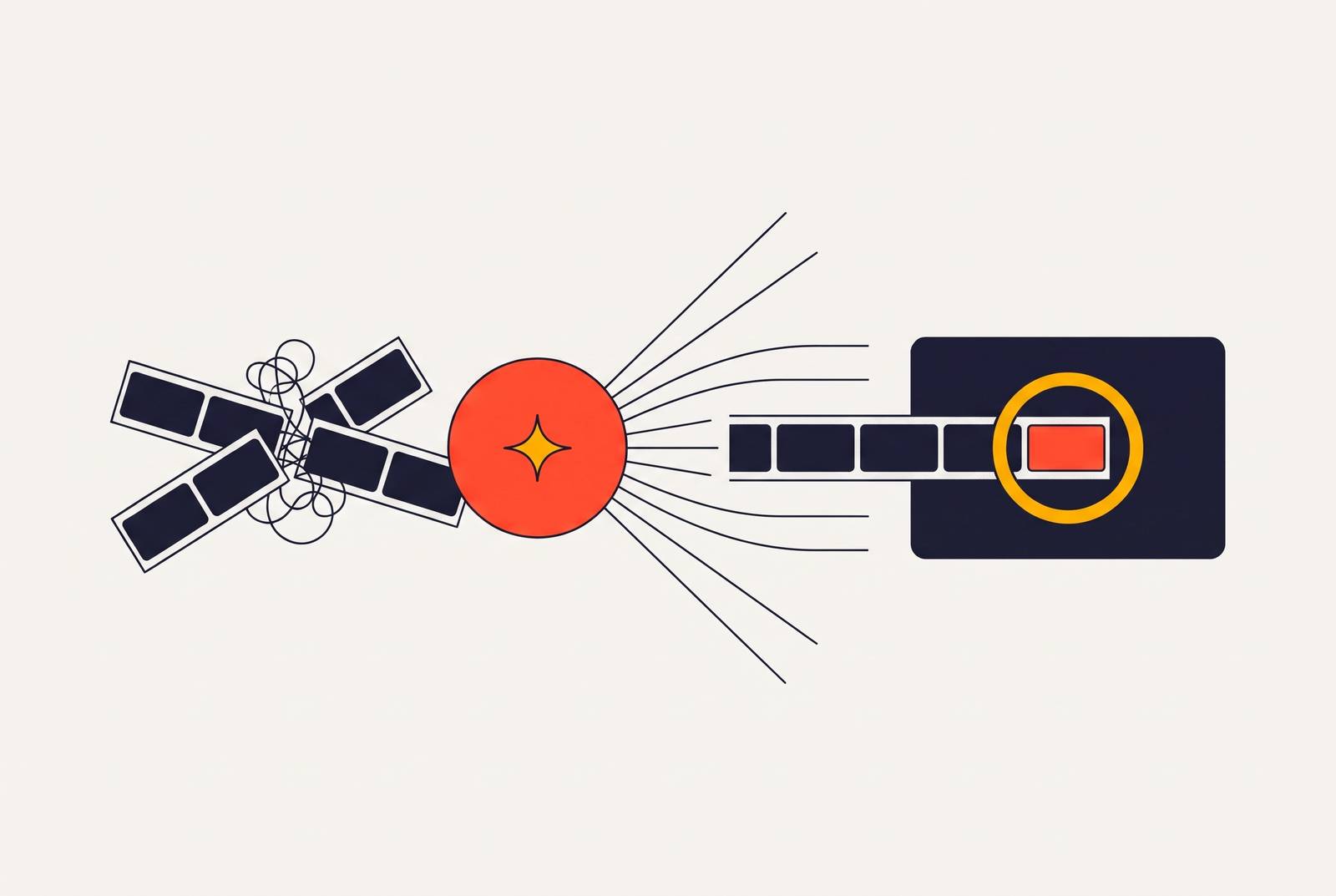
Agentic video editing puts AI in charge of cuts, pacing, and visual emphasis so a non-editor does not have to manage a timeline. For SaaS demos, that produces more focused, consistent videos because AI handles the mechanical work while people decide what to show and whom to persuade. The gain is not just faster editing, but a demo library that can keep pace with the product.
Why SaaS demo quality has become a shipping problem, not a production problem
SaaS teams ship features faster than they can update their demo libraries. Quarterly release cycles once let recordings remain useful for months, while weekly or daily UI changes invalidate onboarding walkthroughs, landing-page demos, and sales assets. The product moves on. The video stays behind. A prospect can end up watching a walkthrough of an interface that no longer exists, making the demo a small museum of former buttons.
That gap creates work even when the original recording was good. Teams spend entire days on maintenance, re-recording assets that were correct the previous week, then rebuilding the edits that made them watchable. A better microphone cannot solve it, because the wait comes between recording the new flow and publishing the finished video.
The constraint is therefore production velocity. A polished demo that takes too long to replace goes out of date, even if its transitions are smooth. For a fast-shipping team, editing has to be repeatable enough to absorb product changes without starting a new production project each time.
What makes a SaaS demo fail even when the recording is technically clean
Keeping a recording current does not make it persuasive. A clean screen capture can still have long pauses, a cursor that wanders, filler words, and a tour of every feature the presenter remembered. Buyers see those choices. Enterprise buyers can read cursor hesitation and uneven pacing as signs of product immaturity, even when the underlying architecture is strong.
Cinematic emphasis requires timeline trimming, cursor smoothing, narration alignment, and keyframe zoom animation, none of which is the ordinary work of a founder or designer. Faced with that machinery, a non-editor may leave distractions untouched or spend too long adjusting them. The timeline becomes a second product to learn before the first product can be explained.
Completeness creates a different trap. Showing every capability can turn a demo into documentation, leaving the viewer to work out which feature solves their problem. A demo has three jobs, namely teaching the concept, differentiating against competitors on the shortlist, and qualifying the buyer. A recording that only teaches leaves the other jobs unfinished. More footage is not necessarily more help.
Rough recordings can feel authentic inside a team that already knows the product. Externally, however, the same roughness can signal instability to buyers who lack that context. Addressing that roughness requires discipline at the precise layer where otherwise sound recordings fail, which is pacing, cuts, length, and emphasis.
What AI video editing can handle without manual timeline work
AI is better suited to this mechanical layer than a non-editor making each adjustment by hand. Trimming silences, smoothing cursor paths, enforcing length, adding captions, and cleaning audio are repeatable tasks that AI can automate.
Modern AI editing pipelines start with a recording that still needs work before it is ready to share. They can reframe scenes, trim footage, clean audio, and add visual enhancements before the team reviews the result. Auto-zoom and cursor tracking help viewers follow the action, while mouse smoothing and clean backgrounds leave less to distract them. The cursor does not need a character arc.
Transcript-based editing also changes how people intervene when a cut is needed. Instead of finding a moment on a timeline, a non-editor can work with text, closer to editing a document. That lowers the burden of making a correction without handing every mechanical choice back to the person. The useful distinction is between reviewing an outcome and constructing every frame of it.
Captions belong in that automated output, too. People watch much of the video on social media without sound, so a demo needs more than narration to explain what is happening. AI transcription adds captions without someone having to write them by hand, though a person still needs to check technical SaaS terms. A polished caption that gets the product term wrong has found a faster way to be wrong.
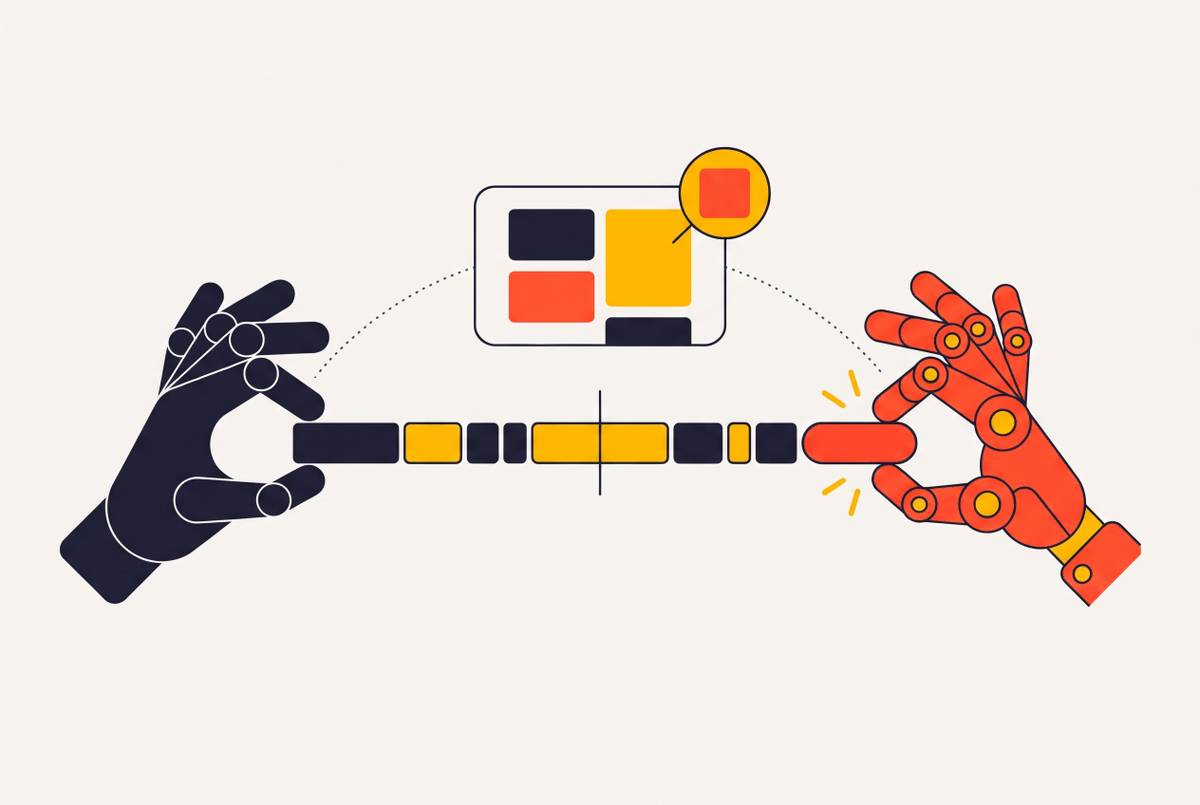
The division of labor is specific. Humans still own narrative and emotional choices, including what to show, in what order, and to whom. AI owns the execution of the editing rules that support those choices. Surrendering control of a silence threshold is not surrendering the story, any more than setting a spellchecker loose is asking it to choose the argument.
What surrendering creative control to AI actually produces in a real SaaS workflow
Trupeer’s published case study describes how Zuora University cut the time it took to make a demo from several hours to roughly ten minutes per demo. This is a corporate university team, and the result concerns demo creation time. The distinction keeps the evidence useful. It shows a substantial production change in a named workflow without pretending that every SaaS team will get the same result.
The AI-native workflow behind this approach starts with one capture of the product flow. AI restructures narration, removes filler words, applies zoom paths, generates subtitles, and produces the asset for review and publication. The team evaluates the finished explanation.
Consistency is a separate benefit from speed. Using the same zoom logic, caption style, and pacing rules gives the videos in a library a shared standard, even when different people make the recordings. Manual editing by multiple non-editors is more prone to drift. One demo can be brisk and restrained while another treats every click as a season finale.
When the UI changes, the affected flow can be captured again and processed through the same pipeline. The replacement inherits the established editing approach. The case establishes the time gain, while the repeatable workflow explains why delegation can also keep a growing library coherent.
Where the demo format and funnel stage should shape what AI is asked to produce
The PMM team chooses which buyer the demo should be for, because a landing-page visitor and a buying committee need different evidence. Format comes before automation. A tool can execute a concise edit well and still produce the wrong asset if the brief confuses awareness with technical evaluation.
The five formats in the 2026 PMM workflow serve distinct jobs. An interactive AI video demo, despite that label, is a non-interactive, prompt-based narrated video produced in minutes for top- and middle-of-funnel landing pages, paid social, and sales sequences. An interactive SaaS demo is a click-through produced in hours for middle-of-funnel pricing pages, gated assets, and product-led activation.
A product sandbox is a live, working environment with real data for bottom-of-funnel technical evaluation, and it takes weeks of engineering work to build. A recorded live walkthrough takes one to two days to make and is used for post-call follow-up and Enterprise ABM, though viewers cannot interact with it. Hybrid AI narration over a click-through takes hours and combines interaction with explanation for feature launches and in-product education.
Buyer intent explains the choice. A shortlist-stage visitor on a pricing page may trade three minutes of attention for a click-through, while a social viewer needs a fifteen-to-forty-five-second narrated video that names their pain in the first three seconds.
For most PMM teams, the practical default is an AI video demo at the top of the landing page and an interactive demo behind the pricing CTA, both made from the same product capture. Enterprise procurement still expects a live walkthrough for the buying committee. Teams still need recorded human demos, with AI cleaning up the recording while the person gives the presentation.
How to run the recording-to-published-demo workflow without a timeline editor
With the format chosen, the workflow begins with a script. The team defines one problem and structures a ninety-second flow around a hook that names the pain, a demo showing three to four steps, and a CTA that tells the viewer what to do next. The script stays brief enough for a sixty-to-ninety-second landing-page video. That script is the first artifact, and its restraint protects the edit from becoming a feature inventory.
The second step produces the raw capture. The product path is recorded once, in one take, using a tool that captures screen, camera, and system audio together. Recording once cuts the work of keeping demos up to date each time the interface changes and leaves the mechanical cleanup to the pipeline.
The third step produces the edited asset. AI removes filler words and silences, applies smart zoom to click actions, adds callouts and step labels, generates captions and a transcript, cleans audio, and applies the brand kit. Trupeer is the named option supported here for AI-assisted SaaS demo production, with the university case illustrating the potential time saving.
Autonomous cuts and pacing address the editing bottleneck, while auto-zoom, cursor smoothing, captions, and audio cleanup address screen-demo polish. Transcript-based editing lets people make corrections without working on a timeline. The best fit for this use case is therefore defined by how much of that mechanical sequence it owns.
The fourth step is a mandatory human review of two things only, which are narrative accuracy and technical terminology in captions. Does the video show what it claims to show, and are the product-specific or industry-specific terms correct? Those checks produce the publishable version.
The fifth step is immediate sharing through a tool that makes the finished video shareable when editing ends. That removes the rendering-lag stage that traditionally separated “done editing” from “live on the page.” Data on which chapters viewers finish or skip then gives sales a sign of buyer intent. When the UI changes, only the affected flow needs another capture and a pass through the same pipeline.
Why surrendering mechanical editing decisions is not cutting corners — it is how consistent demo quality scales
Manual intervention is not, by itself, a quality standard. A non-editor making every cut can be slower, less consistent, and more prone to drift than AI applying the same mechanical rules. More effort does not guarantee better pacing. The finished video should make it clear where to look and fit with the other videos in the library.
That coherence depends on unglamorous variables. Zoom logic should behave consistently on click actions, captions should share size, style, and timing, silences should follow the same threshold, and audio levels should remain steady. These details are easy to overlook individually. Together, they distinguish a shared production standard from a collection assembled by twelve different people.
The HubSpot 2025 State of Marketing Report identifies short-form video as the top-performing content format in 2024 for both B2B and B2C brands. Teams need video they can use, and SaaS teams also need it to show the product buyers will get.
Delegating mechanical editing is therefore not a compromise that people must reluctantly accept. It is how non-editor teams make consistent quality sustainable while keeping their attention on decisions that require product and buyer knowledge. Humans choose the audience, format, sequence, and narrative frame that let a demo teach, differentiate, and qualify.