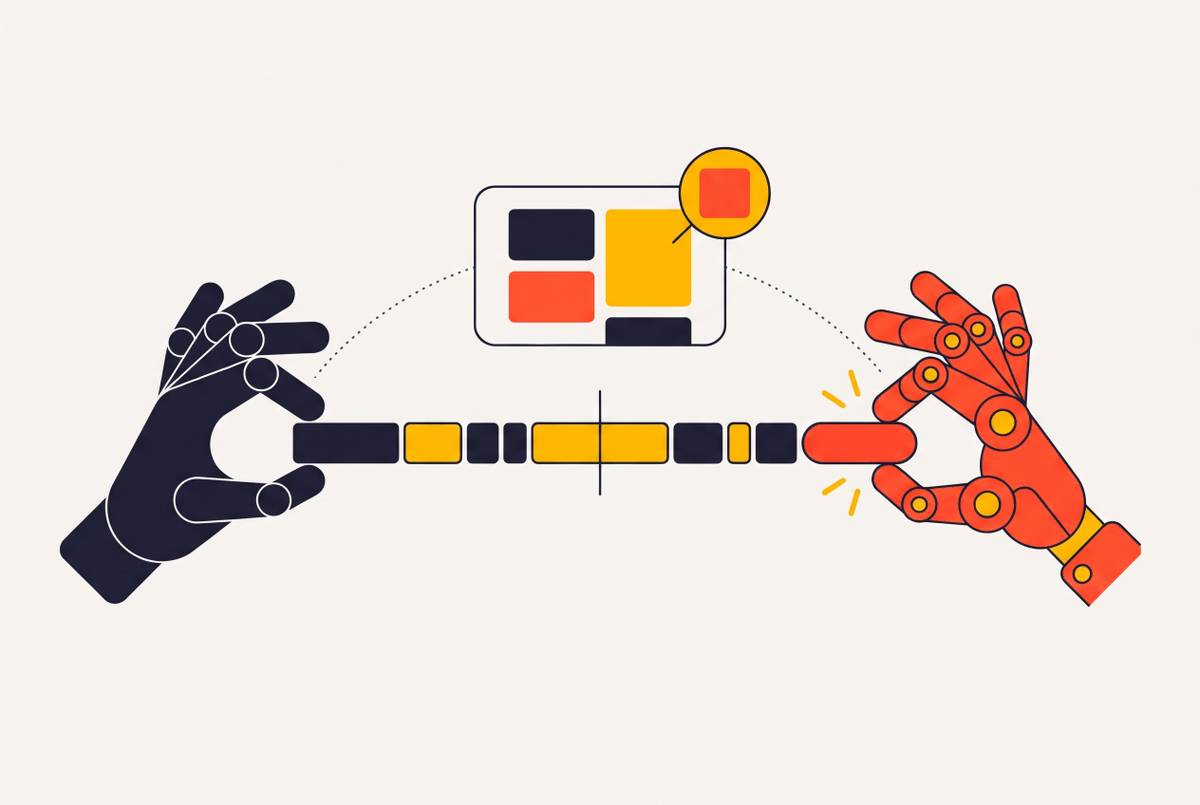
Which AI Video Editor Makes the Best Autonomous Pacing Calls for Software Tutorial Footage
Wisecut and Filmora handle silence removal, but humans must judge instructional pacing.

For software tutorial footage, the best AI video editor is not the one that cuts most aggressively, but the one that preserves instructional judgment while removing mechanical work. Wisecut has silence removal and transcript editing, while Filmora adds silence detection that the editor can adjust and restart detection. Neither delivers fully autonomous semantic trimming for tutorials. The useful test for agentic video editing is which pacing decisions the tool makes, and which still need a human.
Why software tutorial footage creates a pacing problem no other video genre shares
Software tutorials run on three simultaneous layers. Speech explains the task, screen action shows it, and instructional sequence puts the steps in an order a learner can reproduce. Each has its own timing. A presenter may finish a sentence before a UI transition finishes, while a learner may need another pause to absorb what just changed. A cut can therefore improve the narration while damaging the lesson.
That makes tutorial pacing different from podcast or interview pacing, where too many pauses or meandering speech often account for the slowdown. In a tutorial, the presenter may have wandered from the goal, the screen may lag behind the explanation, or the steps may appear in the wrong order. Silence is not necessarily the problem. Cutting a quiet moment can interrupt an on-screen transition or erase the breathing room after an important step. Such cuts produce a technically tidy video that asks the learner to perform small acts of clairvoyance.
The spectrum from silence removal to semantic trimming, and where most tools actually sit
The following five tiers group tools by what they can do with pacing, without ranking products or using official marketing categories. A tool can offer features at several tiers. The distinction is what evidence a feature uses and who makes the editorial decision, rather than how prominently “AI” appears on the button.
Tier 1 is silence removal, which detects audio gaps above a configurable threshold and cuts them. It works from the audio waveform, with no knowledge of what the presenter said or what the screen showed.
Tier 2 is filler-word and buffer removal, which uses transcription to identify tokens such as “um,” “uh,” and restart phrases. It picks up speech patterns but does not understand what they mean for the lesson.
Tier 3 is transcript-based structural editing, which lets a human delete sentences or paragraphs and cuts the matching video. The human supplies the meaning-aware decision, while the AI executes it.
Tier 4 is content-aware flagging, which points out parts that could be cut, such as repeated phrases, low-energy segments, or passages that add no new information. The AI proposes, and the human decides.
Tier 5 is semantic trimming, which would autonomously remove instructional tangents, identify redundant steps, or reorder a sequence to help the learner. No tool established in the available material operates fully at this tier for software tutorials.
Most tools cluster between Tier 2 and Tier 4. The unresolved leap is from flagging a pattern to understanding its purpose. A pause after “now click Apply” may help someone follow along, while an equally long pause may mean the presenter lost their place. The waveform cannot show why either pause is there.
What Tier 1 and Tier 2 tools actually do to tutorial footage
Wisecut’s silence removal cuts pauses between sentences, producing faster pacing without manual trimming. It also helps by making subtitles automatically and balancing the background music against the speech. These are genuine editing gains. None of those operations, however, establishes whether the remaining explanation belongs in the lesson.
Filmora has three controls for silence detection. Volume Threshold sets how low the audio must be to count as silence, and Minimum Duration sets how long that silence must last before it is cut. Softening Buffer leaves a cushion at the edges of each cut so the transitions are less harsh. Those controls make Tier 1 less of a blunt instrument. They let the editor change the aggressiveness of the cuts, but they do not tell the software whether a quiet screen action is essential.
That distinction becomes sharper as the lesson gets longer. Aggressive silence removal may work for a two-minute product clip but cut out breathing room that a twelve-minute step-by-step lesson needs. The learner still needs time to follow. Tier 2 cleanup can also cut filler words while leaving a smoothly spoken tangent, so a recording may sound brisk but spend too long away from what it should teach. A polished detour is still a detour, even if it has excellent subtitles.
How Tier 3 transcript-based editing shifts the pacing decision from the tool to the human
Transcript editing changes the cost of making a structural cut. The tool transcribes the video and presents the speech as editable text, then removes the corresponding video when the editor deletes a sentence. Filler-word removal can cover the whole project in one action. Instead of dragging clips around a timeline, the presenter reads the explanation and removes passages that do not belong. That is a much closer match to the skill a subject-matter expert already has.
Wisecut’s text-based storyboard editing offers this kind of transcript-led cutting. Its value is not autonomous judgment, but a lower skill barrier for people who are not video professionals. The presenter already knows the intended lesson. When reviewing the text, that person can spot a repeated explanation, a tangent, or a step described in the wrong place, then make the corresponding cut in seconds.
Tier 3 gives a human a much simpler way to edit using the meaning-based reasoning that Tier 5 would need. The remaining burden is diagnosis. Someone still has to read the whole transcript or watch the footage to find structural problems, because the tool is not finding those problems on their behalf. Screen action also remains part of the judgment, since deleting a sensible chunk of text does not by itself establish that the visual transition will work.
For tutorials, that division of labor fits the task. The presenter supplies knowledge of what the learner needs, and the software turns the decision into an edit.
Where Tier 4 content-aware flagging begins to address the instructional sequence layer
Tier 4 begins to reduce the search burden that transcript editing leaves behind. Rather than waiting for the editor to find every weak passage, content-aware analysis surfaces candidates for review. Repetition is a useful starting point. A transcript passage that repeats information or talks around a point without adding content may reveal the instructional tangent that silence detection misses.
Filmora’s “Find Mistakes” function identifies places where a presenter repeats or starts over. That places it at the lower edge of Tier 4, where the system recognizes mechanical restart errors. Its “Silence Detection” remains a lower-tier operation. Used with restart detection, it addresses speech cleanup, and its “Softening Buffer” controls the cushion around audible sections.
Broader AI pacing analysis can look at visual complexity, audio energy, cut patterns, and information density in the transcript. Those signals build a pacing profile that is difficult to judge objectively after hours with the same footage. Familiarity can dull an editor’s attention. A flagged energy drop or information plateau gives the reviewer a reason to revisit a passage, but it cannot establish whether the learner needs that slower moment. In a pacing profile, a pause to breathe can look frustratingly like dead weight.
Tier 4 provides a corrective for tired eyes at the practical upper limit of autonomous pacing assistance described here, because interpreting the instructional purpose of a flagged segment still falls to a person.
Which AI video editor makes fully autonomous pacing calls for tutorials, and what fills the gap?
No current tool established in the available material makes fully autonomous, meaning-based pacing calls across software tutorial footage. A video can have its silences removed, its filler cut, and its low-energy passages flagged while remaining a poor lesson. Cleaner is not the same as clearer. Confusing explanations, misplaced steps, and insufficient time to absorb an action do not disappear merely because the soundtrack moves faster.
The hardest case may sound perfectly fine. A presenter can deliver a tangent fluently, at normal pace and normal audio energy, without any unusual silence. Those signals give mechanical filters no reason to object. Detecting that the passage does not serve the instructional goal requires a different kind of judgment from detecting a pause or a restart. That gap is why claims about editing videos with AI need to distinguish automatic execution from autonomous editorial decisions.
The practical response is to divide the workflow by responsibility. AI handles transcription, silence removal, filler cuts, subtitle generation, and rough assembly, while the presenter or another subject-matter expert reviews the instructional sequence. The human review asks whether the video teaches its intended task in the right order and at a pace a learner can follow.
For a SaaS team, course creator, or founder, this is the best available workflow. Publishing the AI’s first pass skips the one review that decides whether the cleaned-up recording actually teaches.
How to match a tool's actual pacing tier to the tutorial format you are making
Where production time is being lost should guide the purchase. If the delay comes from trimming dead air, silence removal addresses it directly. If it comes from finding and removing tangents, transcript editing offers a better fit. If it comes from diagnosing weak stretches across long lessons, content-aware flagging is the relevant starting point. Choosing by tier ties the purchase to the troublesome layer rather than to the broad promise of “automatic editing.”
For short, punchy software demos under five minutes, Tier 1 silence removal on “Fast” mode can handle most of the work when dead air and hesitation are the main problems. Wisecut offers automatic silence removal, while Filmora suits editors who want explicit controls over its aggressiveness. A human pass still checks the sequence. The short format makes that review manageable, but it does not make screen transitions or procedural order optional.
For short-to-medium step-by-step onboarding tutorials, Tier 3 is the more useful interface when a knowledgeable presenter wanders in explanation. The recommended workflow is to review the transcript, cut tangent sentences, and republish. Wisecut’s text-based storyboard editing fits that approach. This saves time by making the chosen structural cuts without work on the timeline, while the presenter keeps the explanation, screen action, and next required step in sync.
For long-form course content, Tier 4 diagnosis is the starting point when energy curves, information density, and mid-video sag are the problems. Flags for falling cut rates or information plateaus can show where to look before editing by hand. Across formats, Tier 2 filler-word removal and buffer clearing are worth using as a first pass because their consistent time savings accumulate across a video library.
At library scale, the workflow around pacing also deserves attention. A tool with recording, transcript editing, subtitle generation, and instant sharing can cut the work of moving between systems. Those handoffs add work to the review that a human still has to do. The best autonomous pacing for tutorials therefore lets AI clear technical dead air while making it easy for a person to preserve what the learner needs. Maximum automation is a poor bargain if it loses the lesson.