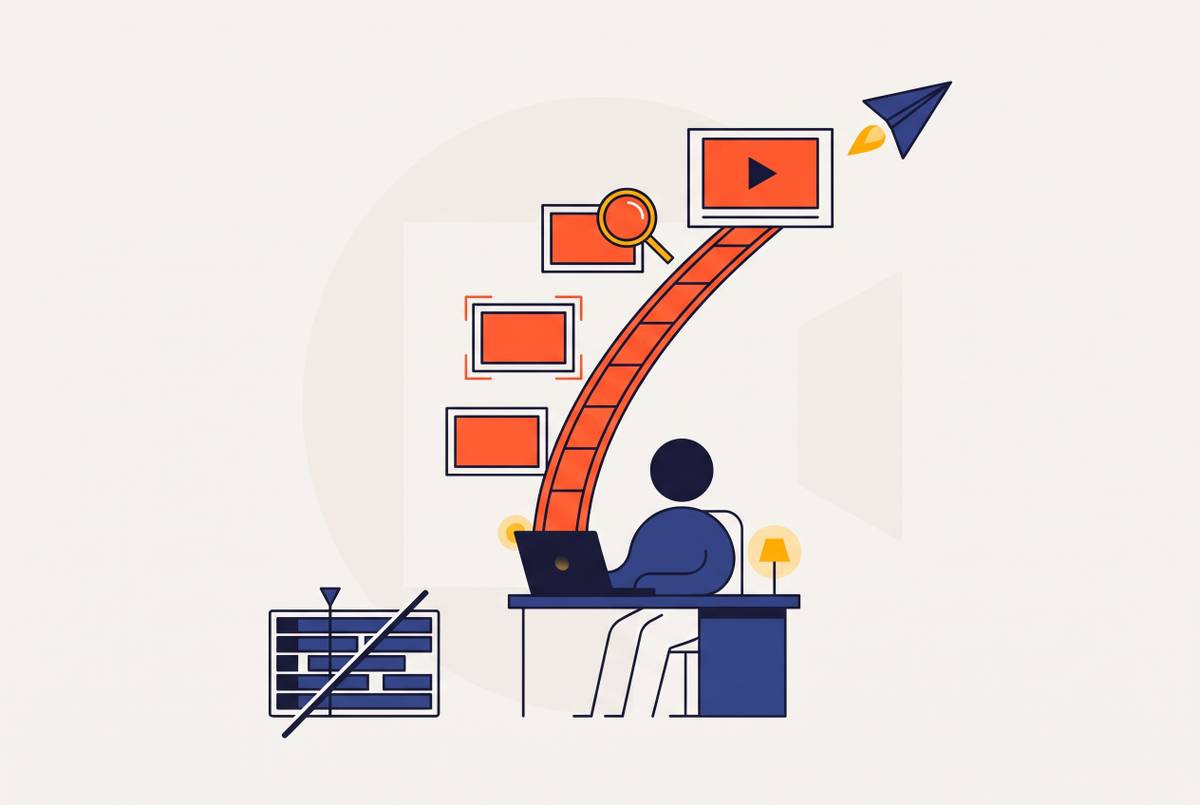
Solo-Founder Screen Recorders That Replace a Full Tutorial Production Team
AI handles routine edits while you decide what matters in the lesson.
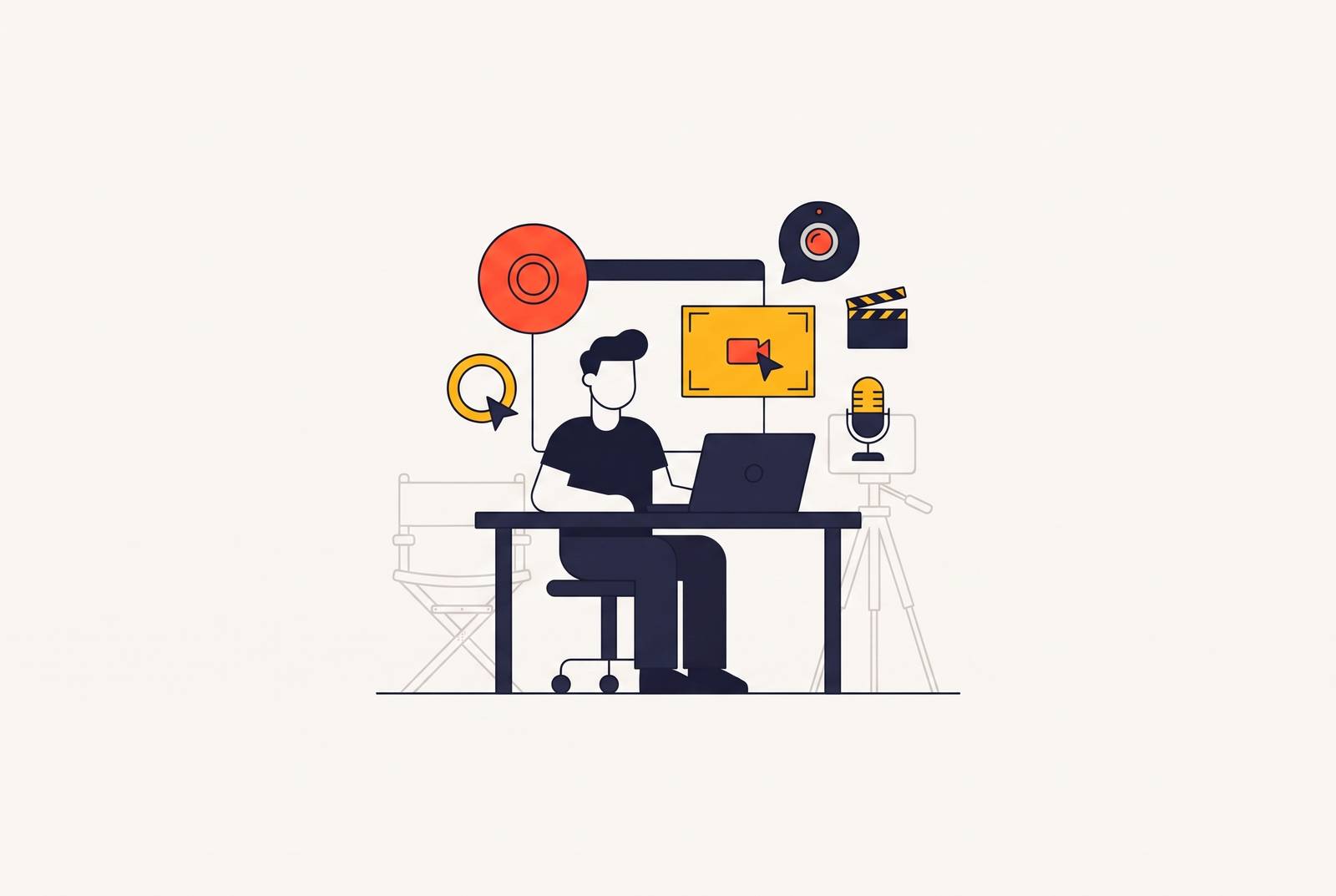
For solo founders, the right screen recorder replaces the tutorial production team by joining recording, editing, captioning, and sharing in one workflow. Editing videos with AI takes care of routine cleanup and manual timeline work, while the founder decides how the lesson is structured and checks that its technical details are right. The useful test of agentic video editing is not how many decisions it makes alone, but whether it closes the record-edit-publish gap without weakening the lesson.
Why solo founders used to need a team to ship one tutorial
A screen recording used to be the beginning of production. Someone captured the demonstration, someone cut the footage, and someone exported and distributed the result. A solo founder could do all three jobs. But doing them alone did not remove the handoffs, any more than changing chairs counts as hiring help.
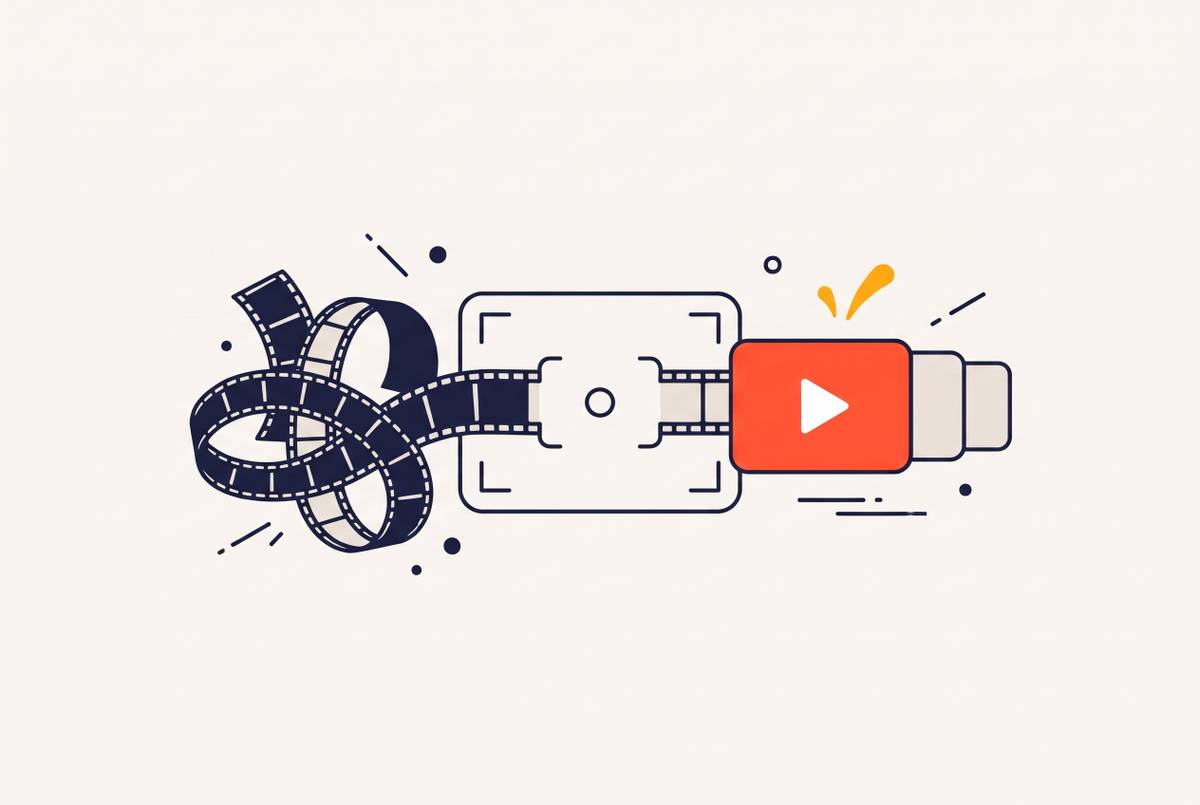
A single tutorial could move from a recording app into an editor, through a rendering queue, and finally onto a hosting platform. Each move meant setting things up again and gave the work another place to get stuck. The license fee was only the visible cost. The time spent switching tasks and setting up again added up with each video, so moving work between tools took more effort over time than capture itself. Closing that gap required a change in the workflow.
What changed when screen recorders absorbed the editor and the publisher
Screen recorders began doing work that used to come after capture. Filler-word removal, silence trimming, subtitle generation, and audio correction could run on their own, eliminating separate editing passes. That changed the shape of the job. The founder no longer had to treat every recording as raw material awaiting an appointment with an editor.
Transcript-based editing removed another barrier by making spoken words the editing surface. Deleting a sentence from the transcript could remove that segment from the video, without requiring the founder to locate it on a timeline. Editing became closer to revising a document. This made decisions about what belonged in the tutorial easier to carry out.
Instant sharing closed the other end of the gap. A tool that provides a link as soon as recording ends removes the separate rendering queue and upload step from that path. The upload coordinator has no queue left to coordinate. A recorder with clever cleanup but a separate publishing process still leaves the founder managing a handoff.
What the full workflow actually looks like before you touch a tool
Wandering footage creates decisions about what the tutorial was supposed to explain, which is a much larger problem than removing pauses. A useful minimum is a segment-based outline, with one sentence per segment stating what the viewer should understand by its end.
That outline also identifies which parts need an explanation on camera and which need visible screen action. In production terms, the talking-head explanation is A-roll and the screen action is B-roll. The labels are less important than the coverage. Planning both prevents an otherwise usable take from needing a re-record because the demonstration is missing the very action being explained.
The technical preparation should serve readability and intelligibility. Audio deserves attention because viewers tolerate imperfect lighting more readily than unintelligible speech. The screen needs its own preparation, too. Set terminal text large enough to read in the exported video, close notifications, and record at a fixed resolution so the same cropping choices work throughout.
Batching then turns a good setup into useful output. For a two-hour recording session, the scripts or segment outlines for all planned videos should be ready before the session starts. Otherwise, recording time becomes writing time in disguise. With the shape settled beforehand, the tool can spend its effort reducing production overhead rather than helping the founder excavate a lesson from a pile of footage.
Which video editing decisions can AI make without manual timeline work?
Transcription, routine silence and filler removal, caption burn-in, and format normalization belong in the automated part of the process. These are recurring costs on every piece. Running them automatically recovers time without asking the founder to perform the same maintenance on every recording.
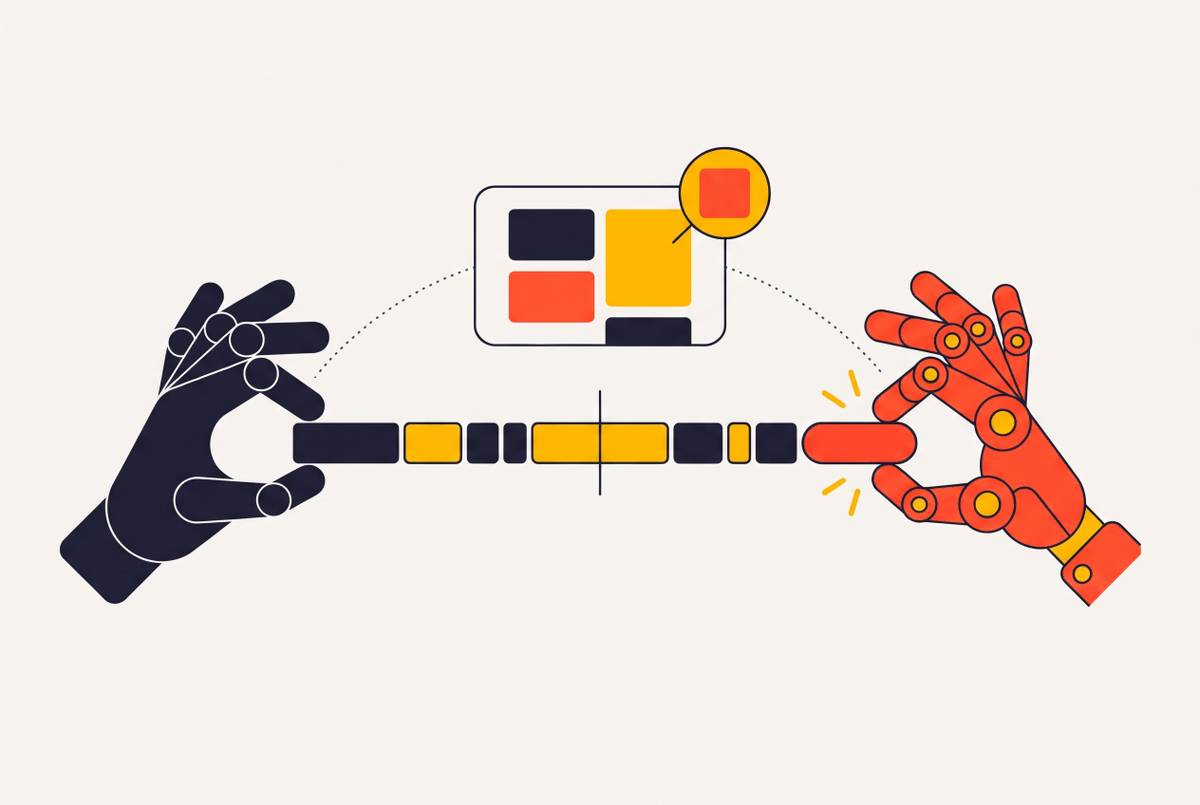
Choosing the opening hook, deciding which segments to keep, and putting the explanation in order call for judgment. They depend on what the viewer needs to understand. AI can propose alternatives for those decisions. The founder still needs to choose among them, because a smooth sequence is not necessarily a useful one.
Auto-edit tools smooth footage toward generic pacing, but a technical tutorial may need time for the viewer to follow an action or read the screen. Faster is not always clearer in a tutorial. A founder should therefore check the suggested cuts and pauses, even when AI makes the first choices without manual timeline work.
For buyers asking for the best AI video editor that decides cuts and pacing on its own, autonomy is an incomplete criterion. The better fit automates fixed production work while leaving consequential decisions easy to inspect and change. Otherwise, editing speed rewards the wrong thing. The recovered time belongs in the evidence and structure of the lesson.
What a tool built for the full workflow needs to do that specialist tools cannot
The first requirement is continuity from capture to publication. Screen, camera, and audio should record together without a separate ingestion step, and editing, captioning, and sharing should remain in the same environment.
Within that environment, transcript editing should support restructuring without demanding frame-level precision. Subtitle and caption generation should happen in the same session, and trimming, audio replacement, or take selection should let the founder fix mistakes without recording the whole thing again. A small error should stay a small repair.
Switching between full screen, camera-plus-screen, and camera-only layouts lets the founder make videos in different formats in one session. A teleprompter can help founders who need prompts, while an invisible recorder keeps the recording interface out of the captured frame. Both reduce avoidable reasons to start again.
Sharing is a separate requirement. A shareable link should be ready as soon as the founder finishes, without another rendering queue or upload step. That is what closes the publishing gap. A tool may be excellent at capture or editing and still fail this test, leaving the founder to perform the coordination work elsewhere.
These criteria separate the 2026 options into full-workflow recorders and specialists whose strengths serve a narrower goal. Camtasia combines screen recording with a multi-track timeline editor, callouts, and AI filler-word removal. Its stronger fit is polished instructional video and online courses where timeline control and annotation take priority over instant-share speed.
Interactive demo builders use HTML capture, a different format from raw screen video. Their demos stay crisp when zoomed and can be edited without re-shooting, while built-in hosting, analytics, and CRM integrations serve go-to-market teams. The output format changes the decision. A navigable product demo is not the same thing as a watched tutorial, and those extra systems may exceed what solo instructional production needs.
At zero budget, QuickTime on Mac or OBS on Windows, Mac, or Linux can handle capture when paired with a free editor. This is a viable route for a founder willing to accept the time cost. It does not consolidate the workflow, though. The edit-and-publish gap returns, making the coordination cost of “free” software explicit.
Where the "one tool replaces the team" argument has real limits
The replacement argument holds most cleanly for tutorials and async communication. At the decision stage of sales, visible polish can work against the founder-trust signal that makes a personal explanation persuasive. An honest rough cut can sometimes outperform a tool-polished version. The implication is not to avoid automation, but to recognize that removing every trace of human effort is not always the right editorial goal.
Education introduces a different constraint through accessibility requirements. Automatic captions do not settle the job because speech-to-text can misread technical vocabulary, and educational content with compliance requirements needs human caption review before publication. That review remains a real production step. The tool can generate the captions, but the founder cannot equate their existence with their accuracy.
EU founders who record product walkthroughs should use dummy data and set access controls such as expiring links, password protection, or role-based permissions. Convenient sharing is not the same as controlled sharing. No major report identified in the supplied material measures IP or data exposure specifically from shared recordings, so that exposure remains an unquantified risk rather than a demonstrated, managed one.
How a solo founder builds a repeatable tutorial production habit around one tool
A repeatable habit makes workflow consolidation useful beyond the first successful recording. The founder who plans before capture, batches sessions, and treats each video as publish-ready at the end of editing avoids rebuilding the process every time.
Before recording, complete the one-sentence-per-segment outline, turn off notifications, check audio, and load the teleprompter if needed. During the session, batch segments with similar formats together and mark the best takes immediately through a naming convention. This keeps selection close to the recording itself. It also avoids making later review responsible for reconstructing decisions that could have been settled during capture.
After recording, let AI handle transcription, filler removal, and captions, then review the transcript to cut or reorder segments. Check pacing and technical wording before making the share link, all within the same tool. The finish line stays inside the workflow. For internal and support clips, keep editing to trimming the start and end, adding captions, and publishing, with the necessary accuracy review.
Spend more time editing content for a launch, where how polished it looks can affect how well it works. That distinction protects everyday tutorials from receiving the treatment of a premiere. Reusing one planned explanation yields a documentation dividend: the same recording can provide a tutorial video, a transcript for a help article, and captions for social.
The founder still supplies the knowledge, the judgment, and the reason to watch. Once capture, cleanup, review, and sharing form one repeatable process, a tutorial no longer waits for the next person in the chain. The right screen recorder makes the team’s output possible from a single seat.