How to Ship a Polished Tutorial Video Alone Without Touching a Timeline Editor
Skip the timeline editor by editing your tutorial's transcript instead.
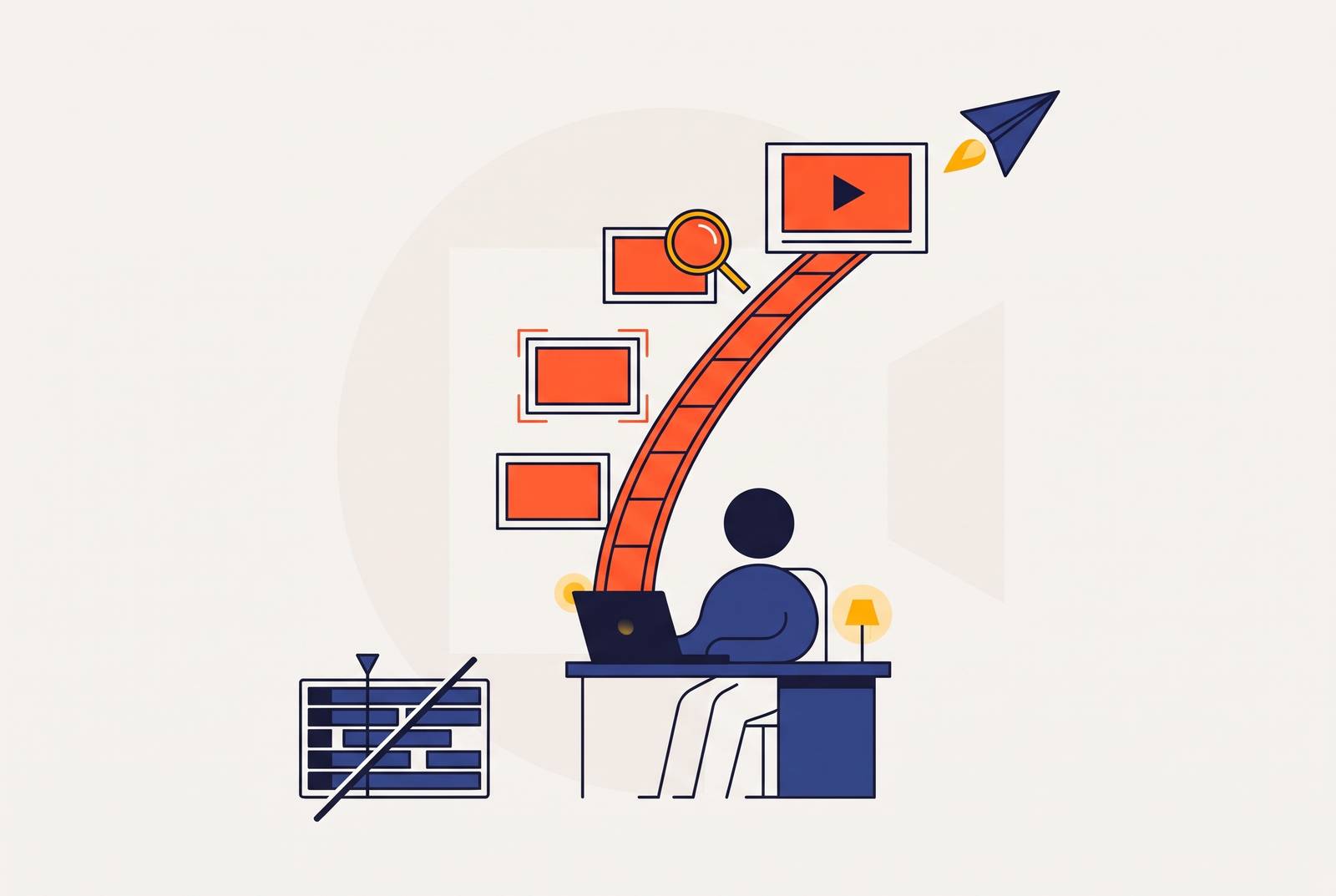
A creator working alone can publish a polished tutorial video without a timeline editor. For software tutorial courses without a video team, the practical path is a screen recorder with transcript editing, AI cleanup, captions, and built-in sharing. Edit the explanation as text, let automation do the routine work, and publish without making a screen walkthrough into a film-production job.
Why the timeline became the bottleneck solo creators can no longer afford
Recording takes a little of the work. Editing swallows the rest. The demo is done, but the creator still has to find the false starts, trim the pauses, and stitch the useful footage together. Each correction means locating something already said through clips and waveforms. The tutorial is ready in substance, yet unfinished in practice. That is how a useful explanation becomes a permanent resident of the drafts folder.
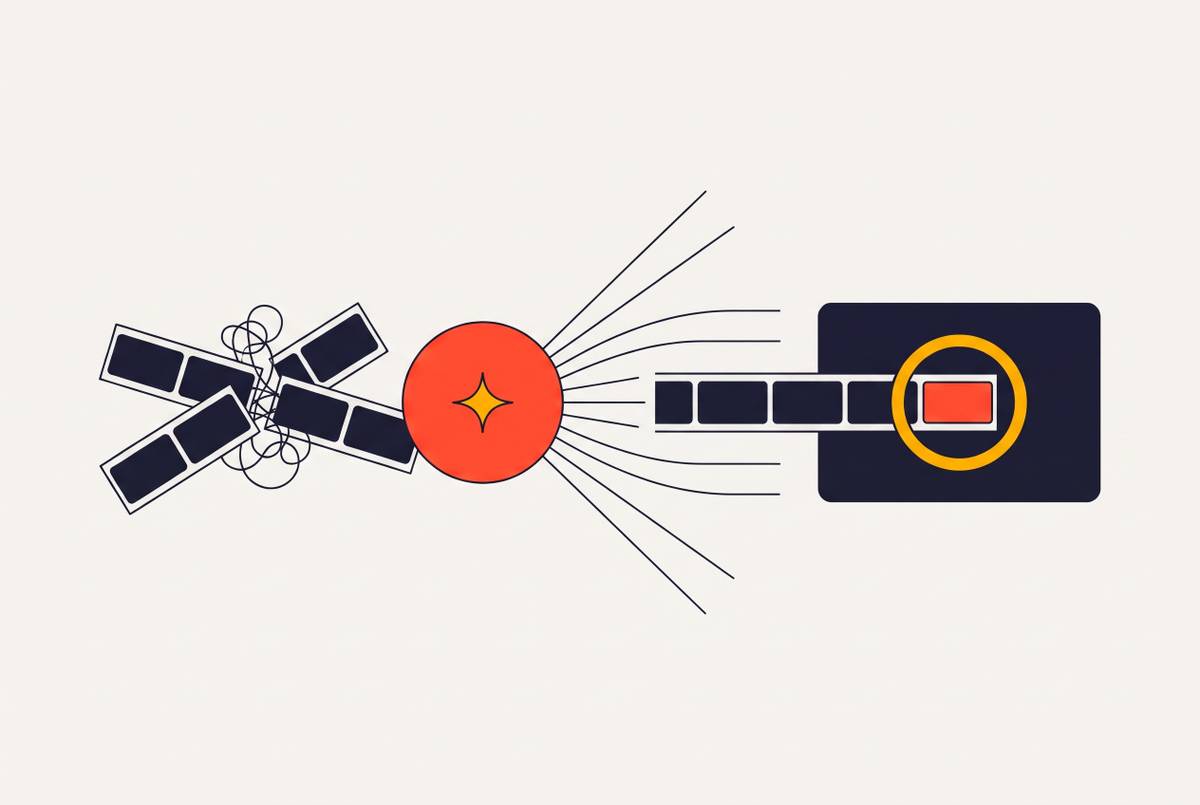
The timeline creates this imbalance by asking a solo creator to translate an instructional problem into a video-editing task. “This explanation repeats itself” becomes a search for the right stretch of footage and its cut points. “That step belongs earlier” becomes a sequencing job. Those actions alone do nothing to make the lesson itself better. They are the handling cost of getting the lesson into a watchable form, and one person has to absorb the whole bill.
The creator still has to choose what belongs, what needs to be clearer, and whether the steps make sense. But those decisions happen through text and prompts, while automation handles jobs such as removing dead air and syncing captions. More advanced tools can also assemble a first cut from instructions, without making that extra machinery a requirement.
What to do before hitting record so the AI edit has clean material to work with
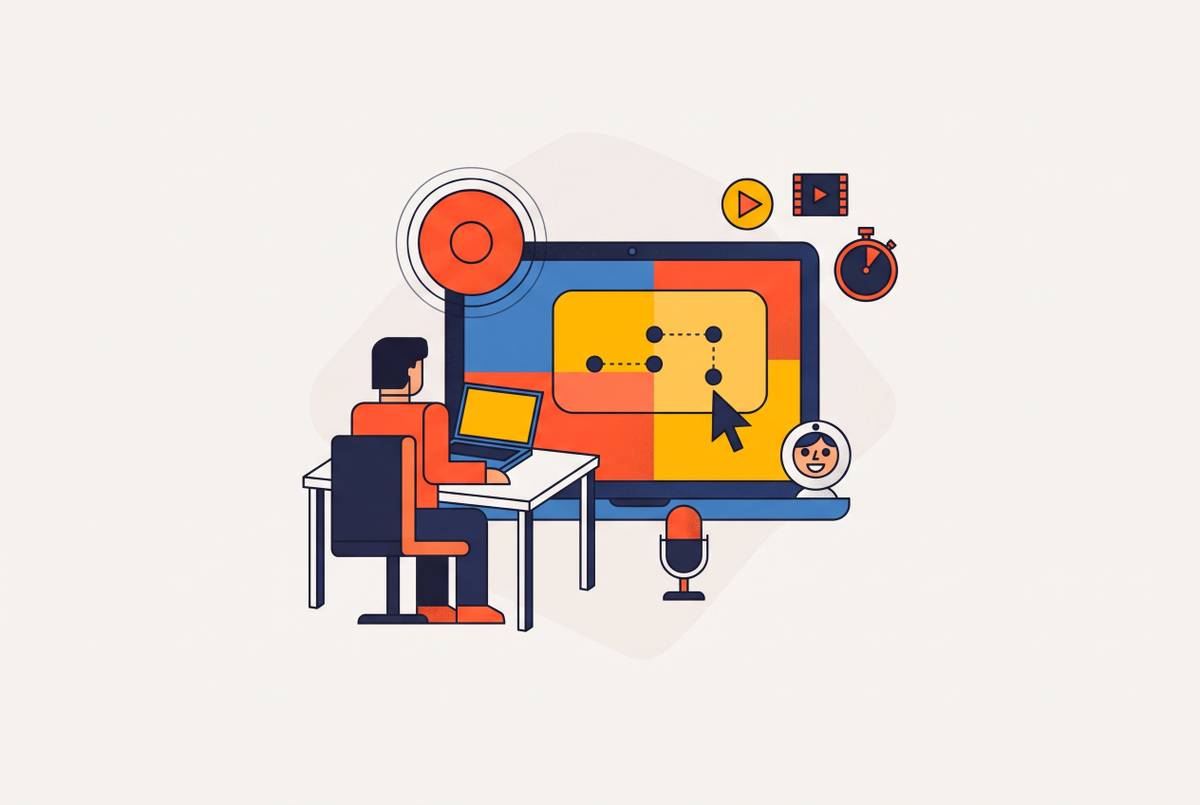
Start with the sound, because the transcript is built from it. Use an external microphone or, at minimum, find a quiet room where the voice is clear. Viewers will tolerate imperfect pictures more readily than bad audio, and speech-driven editing depends on intelligible words. Do a short test before recording the whole tutorial. A microphone problem discovered then is a small interruption rather than a request to perform the entire lesson again.
Screen readability comes next, because a software tutorial needs to show the controls it explains. Recording at a higher resolution than the final output preserves sharpness when zooming into interface elements during editing. Text should remain legible. Move the cursor slowly and deliberately so viewers can follow where the action is headed. The pointer is part of the explanation.
Make the recording easy to process, too. Say what is about to happen before clicking, so the viewer hears the intent before seeing the action. Break the recording into smaller parts instead of trying for one heroic take, and aim for a tutorial in the five-to-ten-minute range. Mistakes then stay contained, while shorter recordings are easier for AI tools to process in a single pass. These habits make the footage easier to edit without a complex setup.
How transcript-based editing replaces the timeline for cutting and tightening
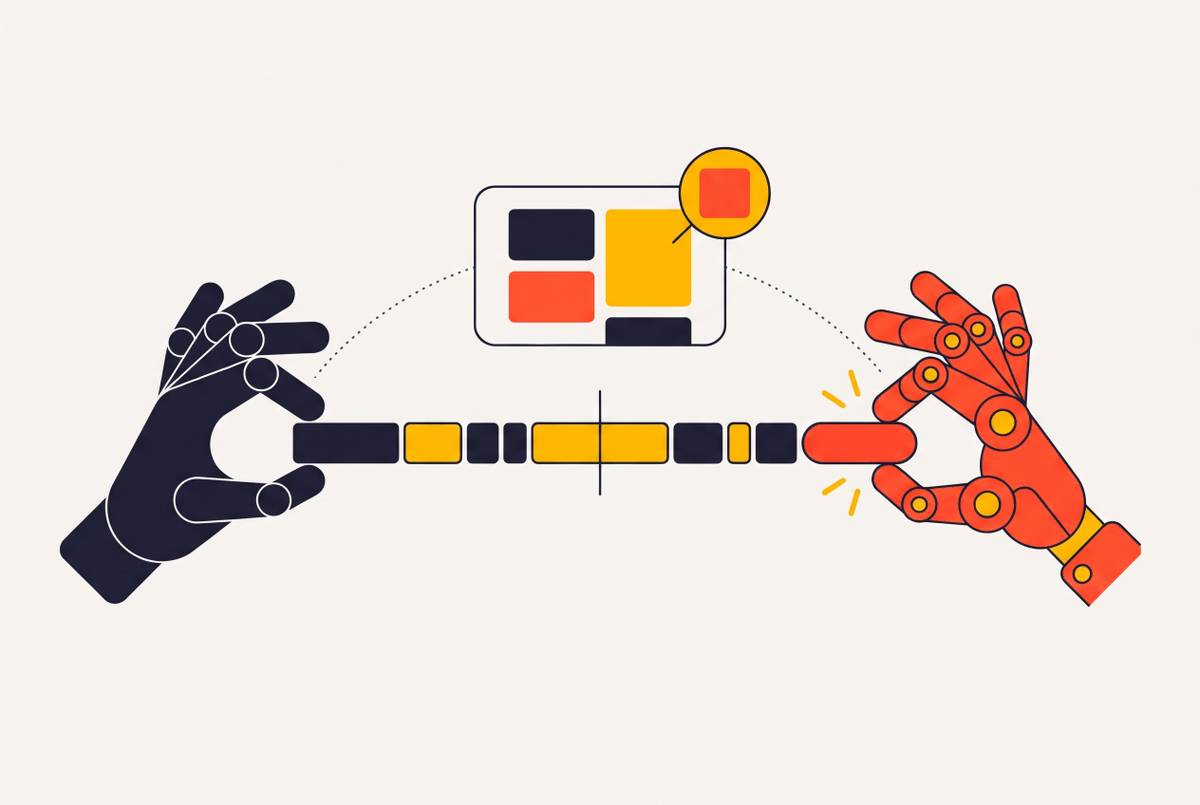
Once the recording is ready, the tool transcribes the speech and links each word to its corresponding video segment. Clear English speech can produce a highly accurate transcript, making the spoken explanation available as editable text. Deleting a sentence removes the matching footage. Moving a paragraph moves the footage with it. The document is the control surface for the cut.
That changes how a creator finds problems. A repeated explanation is easy to recognize when its sentences sit on the page, while the same repetition may take scrubbing and listening to locate on a timeline. False starts and asides that add nothing are easy to spot, too. Read for the sequence of the lesson, then remove the wording that gets in its way. The useful question becomes “Does this step follow from the last one?”
For tutorials, this is a particularly good fit. Their structure depends on clean, sequential narration. Word-level precision is sufficient for narration-driven cuts in a screen walkthrough. Music-synced edits and cinematic pacing have different needs, so transcript editing is not a universal replacement for every kind of video work. It replaces the controls a tutorial creator would otherwise use for a job that is mostly about language.
The tool can also flag filler words and repeated starts in bulk, leaving their cleanup for the next pass. First, get the explanation into order. A shorter sentence is not automatically a better instruction, and cutting a paragraph is useful only if the remaining steps still make sense. The key shift is from finding footage to revising an explanation.
What AI automation handles after the transcript edit: silence, filler, captions, and format
After the structural edit, automation can remove the dead air that would otherwise demand another listening pass. Silence detection finds pauses so the creator can skip listening for each one. Filler detection does the same for “um,” “uh,” and other verbal debris. There is no prize for cutting these individually.
Aggressive cleanup, however, can make speech sound unnatural. Review flagged filler removals rather than accepting every suggestion blindly, because normal speech needs some breathing room. A tutorial should sound clear. This is a narrower decision than locating every hesitation manually.
Captions remove another manual pass because AI can generate them from speech and sync them at the word level. Always add them, then review technical terms the model may have misheard. Choose a high-contrast style that stays readable against the recording. Captions serve both someone watching muted and someone trying to catch an unfamiliar term. The creator no longer has to type and position every caption, but still needs to check the words that could change an instruction.
AI editing pipelines can reframe horizontal recordings for vertical viewing, reposition captions, and trim for platform-preferred durations. When a tutorial goes out across several channels, that saves the work of reformatting and exporting it by hand for each one. The video can be finished without going back to the timeline for every small change.
Where agentic and prompt-based editing go further than transcript editing alone
Transcript editing still leaves the creator choosing what to remove and where to move it. Prompt-based and agentic editing shift more of that assembly work to the system. The creator states an outcome, and the tool selects and sequences footage toward it. That is a different level of delegation.
An editing agent can take a folder of raw recordings, separate usable footage from unusable material, compare takes, and return a first cut. This addresses the work that remains even when recording itself is easy. Simply producing more footage does not solve the problem of sorting it. For a solo tutorial creator, the useful result is a coherent draft built from the available explanations, rather than a pile of recordings that still needs human assembly.
These are concrete examples of text controlling the edit, rather than merely suggesting how a human might perform it. These tools add to the transcript-first path, but an agentic pipeline is still optional for tutorials.
Predictive clipping offers a related way to narrow the review work. AI can look at speech patterns, emphasis, laughter, and emotional peaks to score moments before a person watches all the footage. For tutorials, though, the clearest complete explanation is more useful than a clip chosen only for engagement. An exciting fragment is still a fragment. Agentic systems also need preflight checks and retry limits before running unsupervised on a large folder, because automatic retries can multiply compute costs without producing a useful result.
Structuring the tutorial itself so it works without editing tricks
The creator’s contribution remains the structure of the lesson. Automation can remove a repeated sentence, but the recording needs a clear task for the remaining sentences to explain. Cover one workflow from beginning to end rather than touring several features at a surface level. A complete task gives the viewer a usable result and gives the edit a natural sequence. It also avoids cuts whose only purpose is to disguise a sudden change of subject.
Narrating intent before action makes each step understandable without needing a cutaway or annotation to explain what just happened. Recording by step creates segments that can be revised or re-recorded independently. The edit has useful boundaries built into it. Those boundaries follow the lesson, so arranging the footage becomes a content decision.
Keeping to one task also makes the target length easier to meet. A tutorial covering one task has less reason to wander into explanations that belong elsewhere, and shorter material is more tractable for transcription and segment processing. Concision starts with choosing the task. Otherwise, the cleanup tool is being asked to solve a planning problem with a delete key. Recording discipline and automation work together, with the former reducing how much the latter has to fix.
Captions and on-screen text need to communicate the instructional message independently for muted viewers. This is more demanding than merely having words appear at the bottom of the screen. The explanation still needs to identify what happens and why, in an order the viewer can follow. When that is present in the recording, automated captions make the lesson usable across viewing contexts without requiring a separate explanatory layer after the fact.
Sharing a finished tutorial the moment the edit is done
A finished edit is not yet useful if it is waiting in an export queue. Rendering, downloading, and uploading to a separate host can become the final obstacle after the timeline has already been removed. A tool that records, edits, and hosts in one place can close that gap with a shareable link when the edit is finished. No separate upload is required.
Transcript editing answers whether the explanation can be revised without manipulating clips. Automated cleanup answers whether silence, captions, and format changes still require manual work. Built-in hosting answers whether the polished recording can be delivered immediately. A recorder that solves only capture leaves the rest of the solo creator’s workload intact, while an integrated workflow addresses the path from explanation to delivery.
For a new hire, a customer, or a teammate, the link can be the complete deliverable. A recording shared this way can replace a repeated live explanation or another written walkthrough of the same process. The useful endpoint is access to the lesson. A finished file sitting on the creator’s machine has not reached it.
The original bottleneck was never a shortage of things worth explaining. It was the gap between recording an explanation and making it available, with too much manual handling in between. Immediate sharing closes the remaining gap. The person who knows the task can revise and deliver the tutorial without becoming a timeline editor first.