How AI Video Editors Replicate a Human Editor's SaaS Demo Instincts From Pacing to CTA Placement
AI handles the mechanical cuts, but humans still own the pause and the ask.
Agentic video editing can take over transcription, captions, rough cuts, silence removal, and basic pacing without manual timeline work. For SaaS demos, though, editing videos with AI works best when a human defines the buyer’s problem, protects the pause before the reveal, and places the CTA where conviction peaks. AI has earned control of the mechanical layer.
Why SaaS demos fail before the thirty-second mark
Buyers arrive with a problem. The opening has to answer “Is this relevant to me?” before asking them to absorb capabilities, navigation, or branding. Product Demo Video Best Practices: 2026 names problem-first framing as the single most important factor in demo video performance. High-performing demos consistently begin with the buyer’s pain. The logo can wait its turn like everyone else.
A brand intro or feature headline takes up the few seconds that could show the viewer why to keep watching. The product may be strong, but strength revealed after attention has gone does little good. Relevance earns the next beat. From that point onward, structure and pacing are conversion mechanics.
The four-part structure that human editors instinctively follow
High-converting SaaS demos follow a reliable sequence of Hook → Problem → Solution → Proof + CTA. This order mirrors how buyers evaluate software, because they need to feel understood before investing attention in a solution. The best-practices guide divides that journey into four timed beats, beginning with a recognizable pain or before-state in the opening seconds. Recognition comes before explanation. The demo then names the buyer’s difficulty precisely enough for the right buyer to self-select in and the wrong buyer to self-select out.
The solution walkthrough answers the exact problem just established. It shows one workflow completely and narrates outcomes. A cursor moving across a screen is not, by itself, a plot. The Seedance 2.0 demo analysis independently supports the same progression from hook to problem to solution to CTA. It finds attention dropping sharply wherever introducing the product precedes establishing the viewer’s pain.
The final beat combines one concrete proof point with one clear next step. Three CTAs do not make the ending three times more persuasive. The “peak-end” principle explains part of the logic, since people remember the most intense moment and the final moment of an experience. A weak ending can undo a middle that held attention. Yet the hard CTA belongs where confidence is strongest, which is not necessarily wherever the script happens to stop.
Arcade’s 2026 SaaS demo best practices documents Zapier seeing a large increase in contact-sales submissions after placing a demo CTA on a secondary Workflows page in addition to the homepage. That example concerns page placement, but it supports the same underlying requirement that conviction should precede the ask. Within a video, a skilled editor judges how long to hold a reveal and when the buyer has seen enough proof. The sequence alone cannot settle those calls. Knowing the structure is different from knowing how to make it land.
What AI editing tools can handle automatically without manual timeline work
AI video editors now make transcription, caption generation, silence removal, rough-cut assembly, and basic pacing controls fast and accessible to non-editors. These were real production bottlenecks. Caption generation is highly accurate for clear English audio and needs only minimal review. Filler words, dead air, and long pauses can also be removed automatically. That saves skilled attention for decisions that need it.
Word-level adjustments can bring narration toward an informational read rate, which is slower than many speakers assume, while micro-pauses give product “ta-da” moments room to register. The controls are useful even when judgment remains human. Prompt-based and voice-to-edit interfaces also let non-editors ask for changes in plain language without working on a timeline. For a busy SaaS team, that removes a substantial barrier between having a recording and having a usable cut.
Tool choice still depends on the footage. Seedance has multimodal AI video generation, reference-driven camera control, and in-video editing, but has no dedicated screen-recording annotation layer. That distinction is important for raw product captures, where readable UI, smooth cursor movement, branded backgrounds, and on-screen annotations define whether the result looks produced. Those specifications are now achievable without a post-production specialist. Generating video and polishing a software walkthrough are related jobs with distinct requirements.
Arcade’s guide says RudderStack cut the time spent on sales training sharply and saw people adopt the product sooner after it replaced rep-led walkthroughs with self-serve product video. For that switch to work, teams have to make videos fast enough to keep them up to date. Speed has a practical purpose here. A self-serve library cannot take over the job of explaining the same things again and again if keeping it up to date becomes a full-time job of explaining why everything is late.
Where AI still cannot replicate the deeper instincts that make demos convert
AI tools work with signals they can read, including words, silence, and click events. Those signals do not reveal everything about what a buyer needs to feel or understand next. A transcript can show that a sentence ended. It cannot, on its own, establish that the viewer is ready for the solution.
A human editor may leave a pause before the reveal so the viewer has time to feel the problem and then feel relief when the solution appears. An AI cut based on sentence boundaries can remove that pause as dead air. The silence was doing a job. Although AI controls can create micro-pauses, having the control is not the same as knowing which pause deserves protection.
CTA timing exposes a similar limit. Human editors can put the hard ask where the buyer feels most sure, while AI tools default to end-card placement because they cannot model how the viewer feels partway through the video. A technically clean ending can still ask too much before proof has landed, or ask after the strongest moment has passed. “It looks fine” evaluates finish.
Problem-first framing also requires context that the recording may not contain. Choosing which pain to lead with depends on the target segment. Tools that accept briefs and audience context are narrowing this gap. But accepting a brief is not the same as supplying the judgment behind it. Someone still has to know which problem will make this buyer stop scrolling.
How the hybrid workflow closes the gap in practice
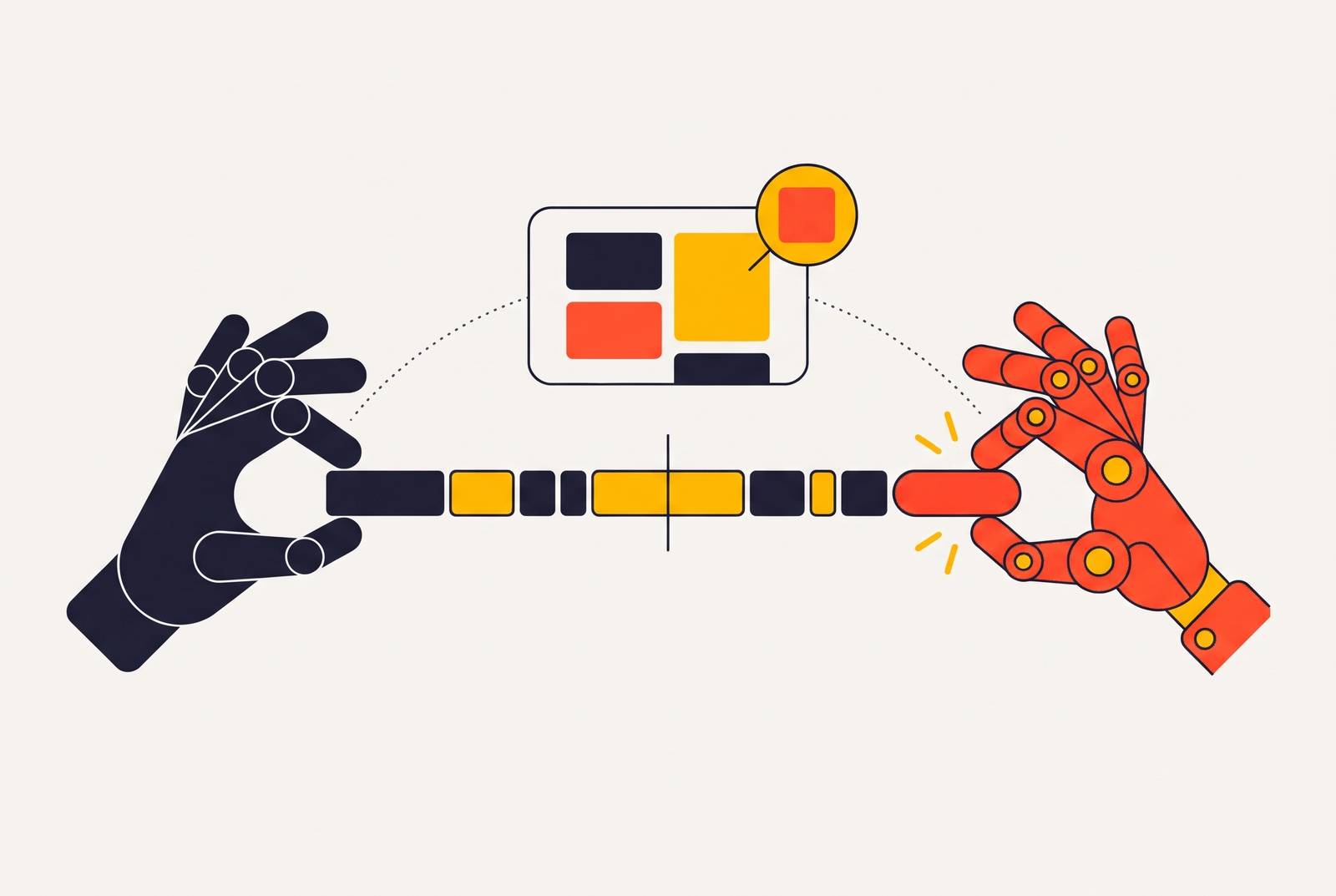
The emerging professional standard in 2026 is an AI-first, human-polish workflow. It divides editorial labor according to what can be inferred from the recording and what requires knowledge of the buyer. AI handles the mechanical pass, including rough cuts, captions, cursor smoothing, callout zooms, and word-level pacing. Humans still decide on the structure, narrative tension, when the reveal happens, and which workflow to show in the video. Neither side needs to audition for the other’s job.
For teams adopting that split, the practical workflow begins with a clean demo environment and a defined structure. AI then makes a timed rough cut that follows the four-part sequence, with the sales argument already in place. The human review tests whether the hook earns attention, whether the reveal has enough tension, and whether the CTA arrives at peak conviction.
After that review, AI does the final pass, with tasks such as captions, format variants, and social clips. Placement still governs length, however, and placement is context the editor must supply. The best-practices guide recommends shorter cuts for homepage heroes, moderate lengths for sales decks and landing pages, and full walkthroughs only for late-stage deals. A prospect looking at the details needs a different video from a visitor who is still deciding whether to stay. One export should not be expected to do every job.
Engagement data then gives human judgment a way to improve. Arcade’s guide recommends section-level tracking to show where viewers stop watching, with that signal feeding back to the editor responsible for pacing. A drop-off point shows where to look when reviewing the next cut. It does not make every editorial choice automatic. Instead, the data AI surfaces helps calibrate the instincts that still need a person.
The production decisions that sit underneath all of this
To make this workflow useful, teams should start with material that supports a clear demo. Use a clean browser profile without visible extensions, a bookmarks bar, or notification badges, and populate the environment with realistic data. Empty dashboards and placeholder text undermine confidence before editing begins. The recording should look ready for a buyer. No amount of cursor smoothing makes an empty product environment feel convincing.
Give audio priority over visual polish. Viewers tolerate imperfect visuals but leave when the audio is bad, and a modest USB microphone outperforms a high-end camera with a built-in microphone. For the screen recording, capture at a high resolution and export at a lower resolution for the web so UI zoom-ins stay sharp. Readability is part of the demonstration. Callouts and annotations cannot explain an interface the viewer cannot read.
Write narration at an informational pace rather than relying on editing to slow a crowded script. Each sentence needs time to land before the next beat begins. AI pacing controls can change the timing if the script leaves them room to work. A breathless feature parade is still a parade. Demonstrate one workflow completely so the solution has a coherent beginning and end.
Make the problem statement equally specific. “Your sales team is spending a large portion of their week on CRM data entry” converts better than “managing CRM data is painful” because the first identifies a recognizable burden. The second could belong to almost anyone. AI cannot make a vague script specific without the audience knowledge that was missing from it.
Plan for silent viewing as well. Use burned-in captions plus an SRT file, because a large majority of social video is watched without sound. Captions are not an accessibility afterthought when silence is a primary viewing mode for a significant share of the audience. The words must work without the speaker’s delivery.
What SaaS teams should take away about where to trust AI and where to stay in the chair
The next production decision should begin with the missing judgment. If the structure and buyer problem are already clear, delegate transcription, filler removal, captions, cursor smoothing, callout zooms, format variants, and rough-cut assembly to AI. There is no prize for taking longer to do those jobs. Keep a human responsible for the structure before recording, the held beat before a reveal, and the CTA’s relationship to buyer confidence. Those decisions depend on more than a clean timeline.
For tools that accept audience briefs, supply the target segment, the specific pain, the chosen workflow, and the intended placement. Then use section-level drop-off data to help the person who decides on the pacing. The brief gives AI context. The review tests its use. This is a more useful standard for autonomous cuts and pacing than whether a tool can produce an uninterrupted finished video. Completion and conviction are different outcomes.
Finally, use the time saved to keep the demo library up to date. Arcade’s guide notes that much of the persuasion now falls on self-serve assets prospects find before a sales rep becomes involved. A demo showing a UI that no longer exists is worse than no demo. Faster production is valuable when it prevents that mismatch. As AI moves closer to the instinct layer, the benchmark remains the editor who knows when the buyer is convinced enough to act.