SaaS Demo Script Structure for Conversion
Structure your demo to match the buyer's problem, not your product's features.
Picture the standard SaaS demo: a rep opens the dashboard, clicks through six tabs nobody asked about, narrates every button like a tour guide reading off cue cards, and somewhere around minute four the prospect's eyes go soft and unfocused. Nobody objects. Nobody argues. They just nod along and vanish after the call, because a demo script is a sequence of persuasion moves, not a narration guide for walking through a product, and the order of those moves decides whether a viewer buys or bounces.
The feature-tour failure mode happens when every capability gets treated as equally important. That's a design error, not a bad luck streak. Overload the viewer with options and the result is a buyer who checks out quietly, long before they'd ever say so out loud. Demos that convert are built on showing meaning rather than showing more: features play supporting roles, and they only earn screen time when they push forward a story the buyer already recognizes as their own.
Buyers walk in informed and skeptical. They've read the website, maybe watched a video, possibly compared three competitors over lunch. They are asking whether it solves their specific problem better than whatever else is on their shortlist, not evaluating what the product does in some abstract sense. A script that answers that question in a deliberate order converts. A script that doesn't, leaks viewers at every unstructured turn.
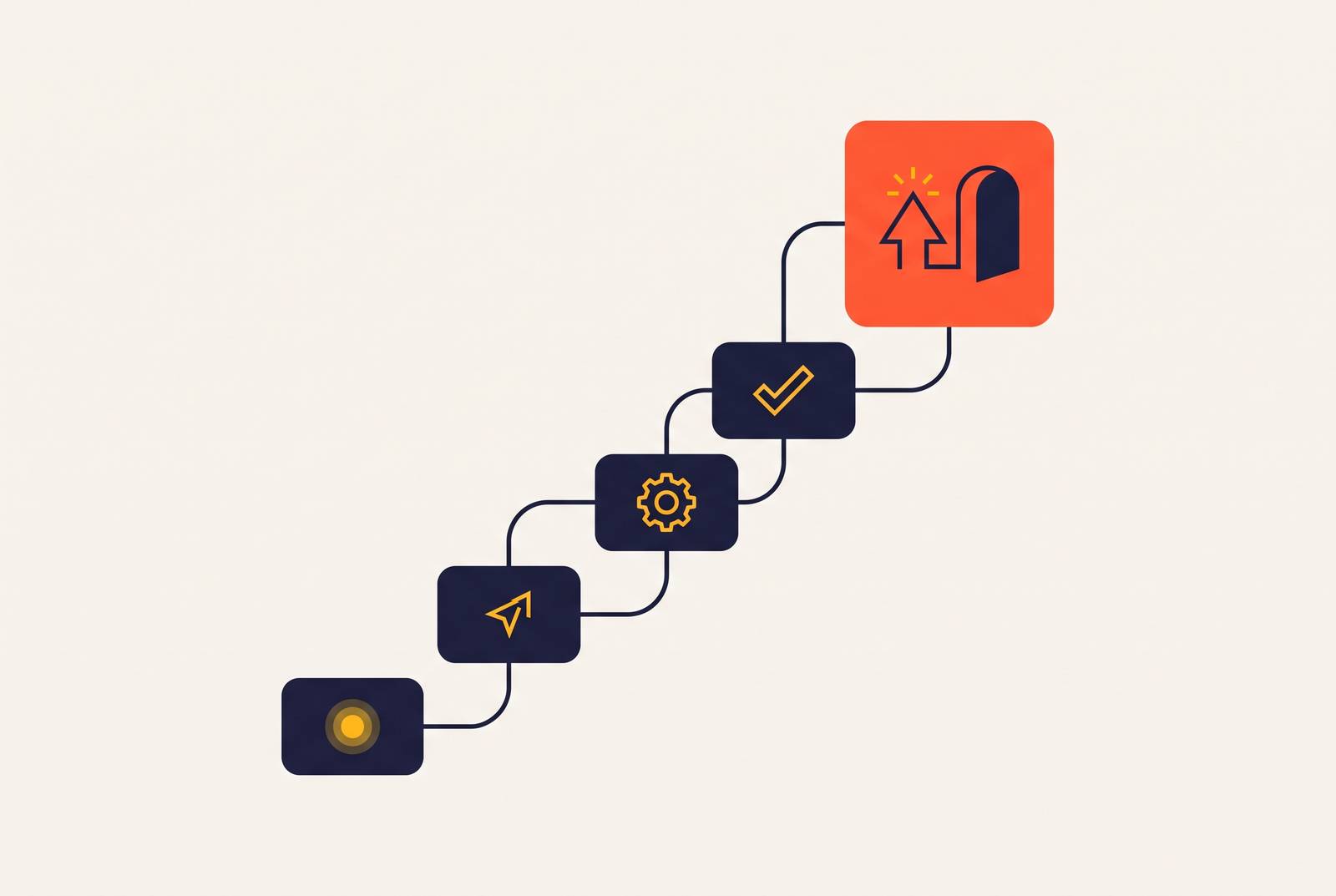
Without structure, demos drift. Reps improvise. Buyers lose the thread. Qualification signals slide right past everyone in the room, and the whole conversation limps toward "send me some info," followed by the kind of silence that makes a sales pipeline look like a ghost town. The fix runs through four structural layers: problem framing, the value moment, workflow proof, and the call to action. Each one carries its own conversion logic, and each one builds on the layer before it. That's the architecture this piece walks through, one floor at a time.
What problem framing does at the start of a demo
Opening with the buyer's problem instead of the product gives everything that follows somewhere to land, but skipping that step means the viewer never recognizes their own frustration, so the solution has nothing to attach to. That's the whole mechanism, and it's why the opening section of a demo script carries more conversion weight than any single feature shown later.
Buyers remember feelings and results. They don't remember navigation paths. The opening has to anchor an emotion, frustration, cost, a missed deadline, before the product gets to mean anything at all. "Tired of spending hours building reports from scratch?" lands harder than "Our reporting module lets you create custom dashboards," because the first sentence names a pain the viewer is already carrying around. The second one asks them to first understand a capability before they can even decide if they care.
In a live setting, the strongest opening move is often a callback to discovery. Saying "you mentioned your team is struggling with slow lead follow-up" proves the rep actually listened, narrows the scope of the whole demo, and personalizes the story before a single screen gets shared. That one sentence does more qualification work than ten minutes of feature narration.
A sharp Ideal Customer Profile has to sit behind this for any of it to work. An ICP defined by specific business problems, specific workflows being replaced, and the buyer's existing tech stack gives the opener real confidence. It lets the rep say "this is built for teams like yours" instead of hedging toward some imaginary broad audience that includes everyone and therefore convinces no one. Persona mapping matters here too, since most SaaS deals involve several stakeholders listening for completely different signals. The problem framing has to speak to the outcome the economic buyer actually cares about, not just the daily workflow the end user lives inside.
Framing the problem builds in a stop/go test. If the prospect can't restate their own main pain back in one sentence, the demo shouldn't continue past that point. Framing the problem is a qualification gate, and a demo that blows past it is just performing for an audience that was never going to buy.
The value moment: leading with the outcome before explaining how it's built
Show the buyer the outcome before showing them how it's built. The finished report, the automated task, the cleared queue, whatever end state the opening problem was pointing toward, belongs on screen first, because the buyer came to see the destination, not the road construction.
Call it "doing the last thing first." Instead of opening on a dashboard or a settings screen, the script jumps straight to the moment that proves the viewer's original pain has been resolved. The viewer sees their own future state immediately, instead of sitting through ten minutes of setup to get there. This lines up with the Pain-Solution-Proof framework: the middle of the demo demonstrates the solution, and the close proves it with a result, a testimonial, or a clear next step. The value moment is where the solution gets shown, not where it gets explained in paragraph form.
Slack's product overview is a clean illustration of the principle. It doesn't open on a feature list. It opens on the problem of information silos, then walks through a real project lifecycle to show the shift from chaos to clarity, so the value proposition is tangible before any individual feature gets named. Linear takes a different route to the same destination: instead of selling a system transformation, it sells a feeling, the sense of a clean, fast, uncluttered workflow, and that feeling is still presented before the mechanics of how it's built. Both products are leading with what the buyer gets. Neither opens with how the product works.
Timing matters as much as sequence. The wow moment needs to land in the first few minutes, not at the halfway mark, because by then the viewer has already quietly decided whether this call is worth finishing. The natural objection here is that a buyer can't understand how the outcome was reached without more context. Fair point, and the next structural layer exists to handle it. The workflow proof explains the mechanics once the outcome has already done its job of selling the vision.
Workflow proof: how to show the product without turning the demo into a feature tour
Once the value moment has landed, the walkthrough earns its place only by showing the workflow the buyer would actually live in day to day, not a tour of capabilities bolted onto a slide deck. The question every screen needs to answer is "can this fix what's broken for us?" Not "here's what this button does."
That requires a use-case mapping discipline. Show only the workflows that map directly to the pain points confirmed back in the opening. If a feature doesn't support that narrative, it waits for another conversation, or it gets left out entirely. A structured script approach that limits the walkthrough to three core features tied to the buyer's specific problem, rather than twelve scattered ones, produced a documented lift in both completion rate and conversions for a SaaS client. Three features with a clear thread beat twelve features with no plot.
Features enter the demo only when they move the story forward, which is the storytelling rule underneath this, and the demo revolves around a problem the buyer recognizes, a story they can follow, and a future state they want to reach. A workflow shows what it actually feels like to use the product. A feature list only describes what the product can technically do, and that distinction is what holds attention long enough to build the kind of memory that drives action after the call ends.
Engagement checkpoints help keep this from sliding into a monologue. Building a question prompt into the script every few minutes invites the viewer back into the conversation and surfaces qualification signals a rep would otherwise miss entirely. For async demo videos, where there's no live rep in the room to notice a glazed expression or a wandering mind, the three-feature discipline matters even more. There's no one available to recover a viewer who has already clicked away to check their email.
Format and length decisions that determine whether the workflow section survives contact with a real audience
A demo script's structural integrity depends on matching format and length to wherever the viewer currently sits in the funnel. The right sequence delivered in the wrong format, or stretched to the wrong length, loses the viewer before the CTA ever gets a chance to fire. Sequence and runtime are the same problem wearing two hats.
Length should track intent. A viewer who has already clicked deeper into a site has expressed enough interest to sit through a product walkthrough running three to five minutes. A series of three focused demos, each built around a single use case, consistently outperforms one sprawling walkthrough that tries to cover everything at once. Splitting the material is a format decision with its own conversion math attached.
A homepage demo plays by different rules. It needs to explain what the product does in under two minutes, full stop. The job there is to give a cold visitor enough clarity to keep exploring the site. Short, personalized demo videos or interactive walkthroughs introduced before the first sales conversation filter out low-intent leads, speed up serious buyers, and hand reps more context heading into the live call. Length, in other words, is a filtering mechanism as much as a runtime choice.
Audio quality belongs in this same category of structural decision, not production polish. Viewers will forgive slightly rough footage if the narration is clear and well-paced. They will not forgive echo, background noise, or a flat, monotone voiceover. Bad audio kills a demo faster than bad visuals ever could, mostly because a viewer can tune out a mediocre screen recording but can't tune out a voice that's actively hard to listen to.
Why CTA placement shouldn't default to the end
The call to action is a structural position inside the script, and treating it as something that only belongs at the conclusion is a default assumption that quietly costs conversions. Viewers act at the moment of maximum intent, and that moment is rarely the very last frame of the recording.
Intent peaks right after the value moment lands, while the viewer is still sitting in the feeling of their problem being solved. That's the structural moment to ask for action, not several minutes later after the workflow proof has run its full course and the emotional peak has already faded. A simple arc still applies across the whole script: grab attention with a hook, present the solution, share proof or results, and finish with a clear next step. The CTA sitting at the close of that arc is deliberate, but it only works because the hook already primed the viewer to want to act by the time they get there.
Specificity does more work than most scripts give it credit for. Strong demos don't ask "what would you like to do next?" They say something closer to "based on what we saw, the next logical step is X, does that make sense?" The specific next step belongs in the script itself, not left to whatever a rep improvises in the moment. Every demo needs to answer "what do I do now?" with something concrete: start a free trial, book a follow-up call, watch the full walkthrough. A vague sign-off like "learn more at our website" wastes every ounce of momentum the demo just spent four structural layers building.
CTA type has to match funnel stage. A homepage demo CTA ("try it now") is a different animal from a sales demo CTA ("here's the next logical step for your team"), and the script needs to specify both the action and the framing appropriate to where the viewer stands in their buying journey. Follow-up speed is an extension of the CTA, not a separate step after it. The intent a demo creates decays quickly, and the faster a real response follows a demo request or a live session, the better the conversion odds. CTA and follow-up are one continuous structural element, and treating them as separate is how momentum gets lost on the back end after the script did everything right on the front end.
How to test whether your demo script's structure is working
A script built around these four layers, problem framing, value moment, workflow proof, CTA, is a hypothesis, not a finished product. The way to know if the sequence actually holds is to watch where viewers drop. An exit spike right after the opening hook means the problem framing isn't naming a pain the audience actually recognizes. If viewers vanish partway through the workflow section, that's a sign the walkthrough has drifted back into feature-tour territory instead of staying tied to the pain confirmed at the start.
Watch completion rate section by section, since a single flat average hides where viewers actually drop. A demo that holds attention through the value moment but bleeds viewers during the workflow proof should be trimmed back toward three core features instead of a dozen, with a re-check that every remaining feature still connects to the opening pain point. A demo that loses people before the value moment even arrives usually means the wow moment is buried too late, sitting behind setup and scene-setting that should have been cut.
Response to the CTA itself is the second signal. A high completion rate paired with a weak response rate usually means the call to action is vague, badly timed, or both, placed only at the very end instead of riding the peak of intent that follows the value moment. Testing a mid-roll CTA against an end-only version, on an otherwise identical script, isolates whether placement is the issue or whether the offer itself needs rethinking.
None of this requires guesswork dressed up as intuition. It requires treating the script the way an engineer treats a build: change one structural variable at a time, measure where attention breaks, and adjust that layer specifically. A demo script is conversion architecture. Like any architecture, it holds up under some conditions and buckles under others, and the only way to find out which is which is to watch where the walls actually crack.